Suggest Changes
Collect feedback and improve your documentation easily with reader suggestions.
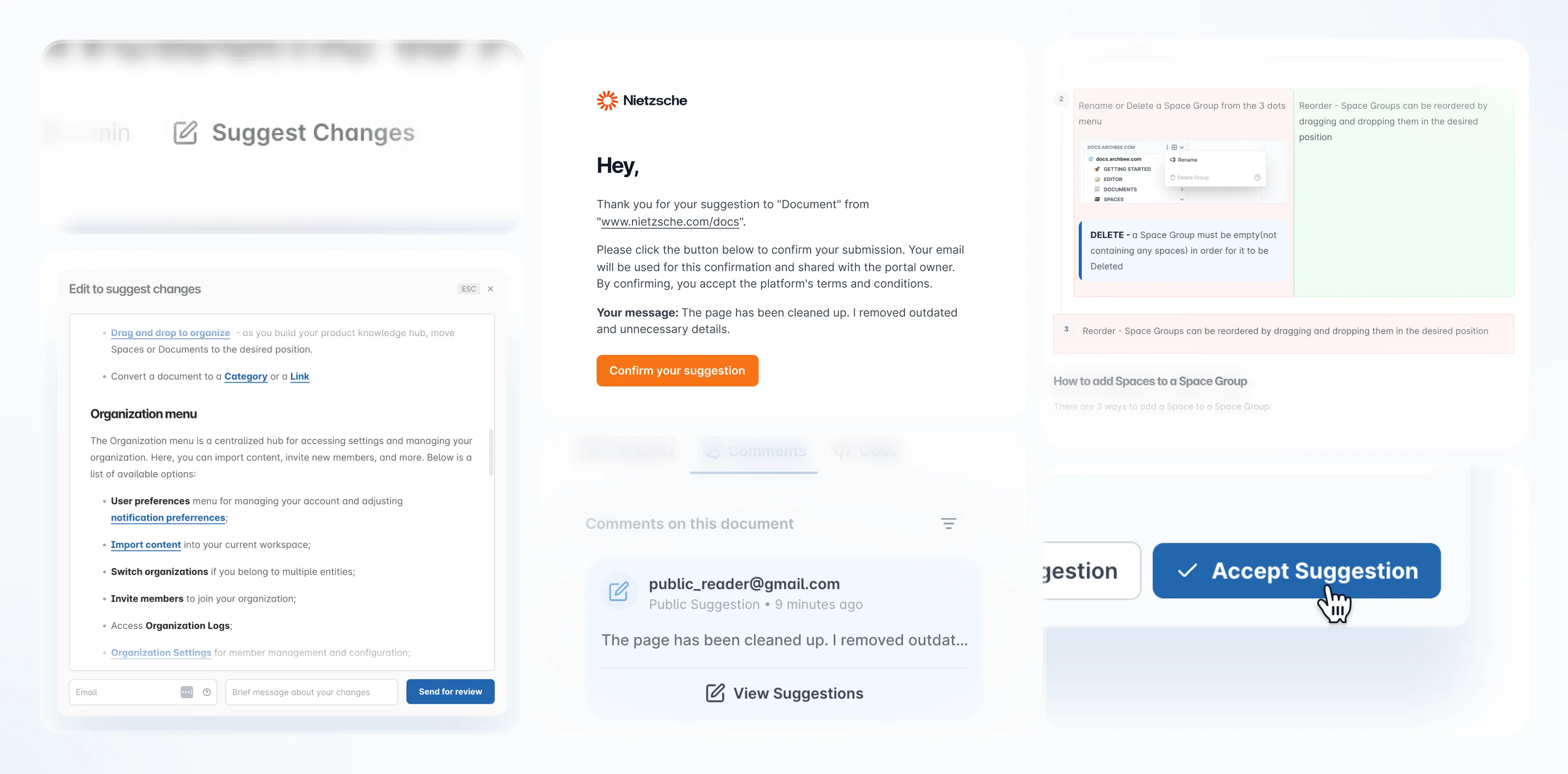
The Suggest Changes feature allows readers to propose edits or improvements directly within your published documentation. This makes it easy to keep content accurate, up to date, and engaging for your audience.
Enabling Suggest Changes
To turn on this feature in your portal:
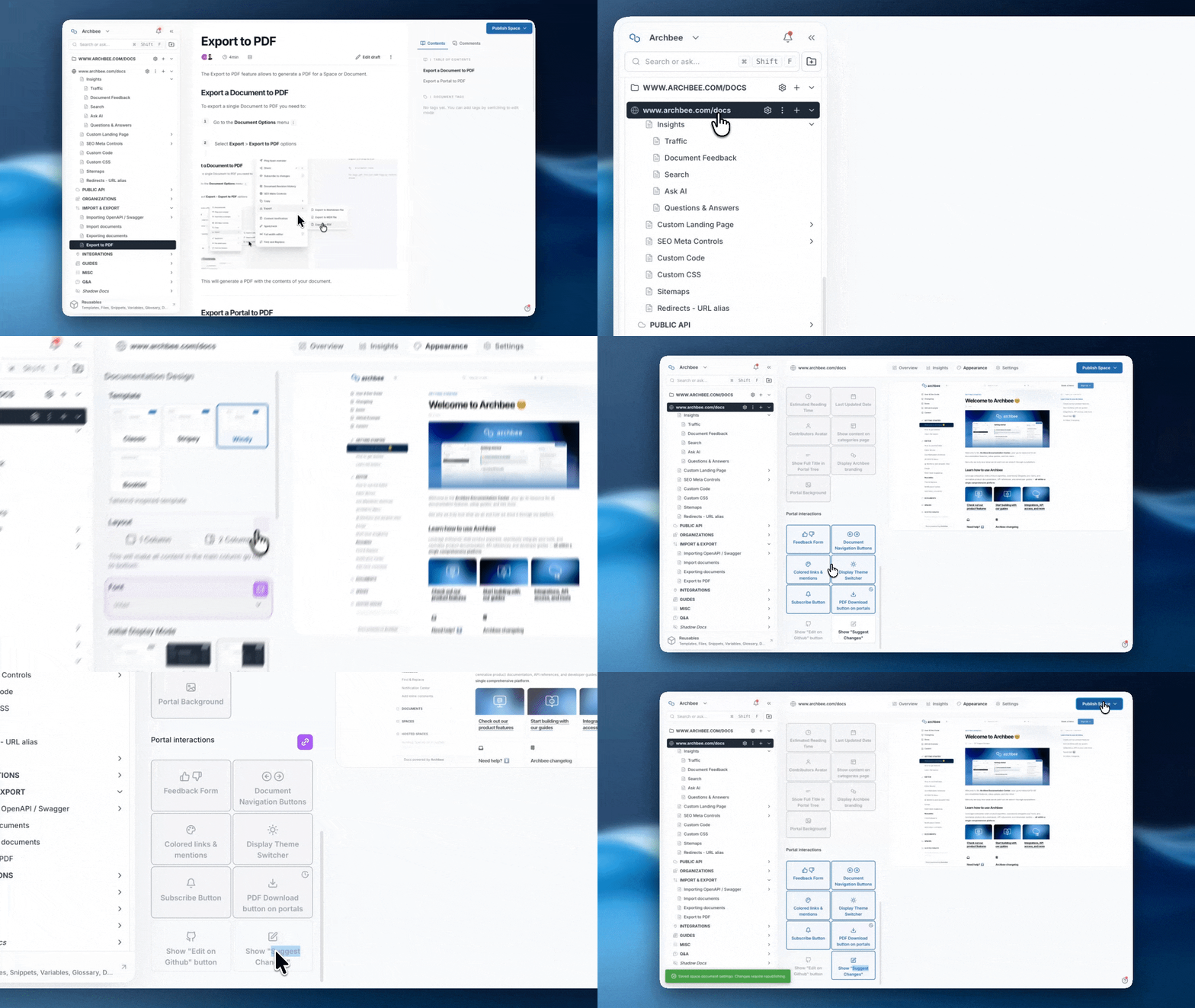
Open your Space Dashboard.
Navigate to Appearance tab and scroll all the way down to Portal Interaction.
Click on Suggest Changes to enable it.
Don't forget to Publish your documentation to make the feature available to readers.
How Readers can Suggest Changes
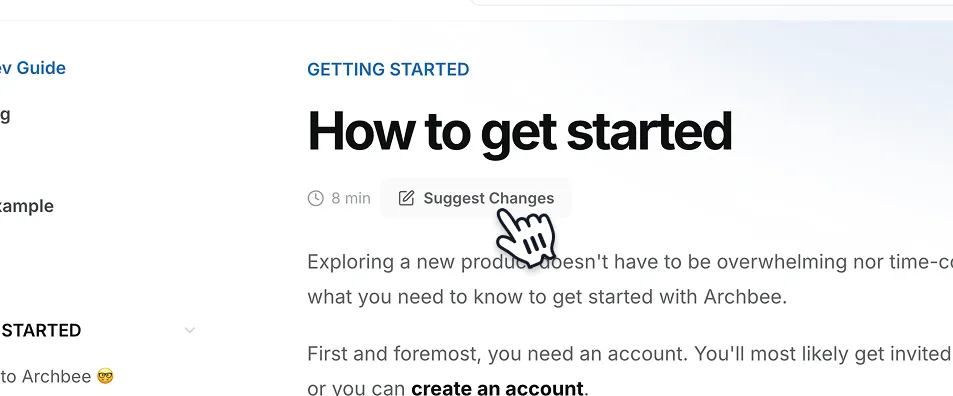
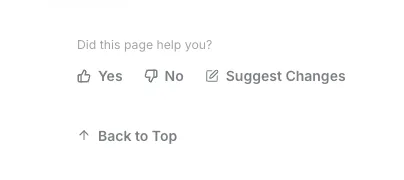
Once enabled, on each document will be displayed a Suggest Changes button. Readers can follow these steps to submit a suggestion:
Suggest Changes Button
Click the Suggest Changes button on the document.
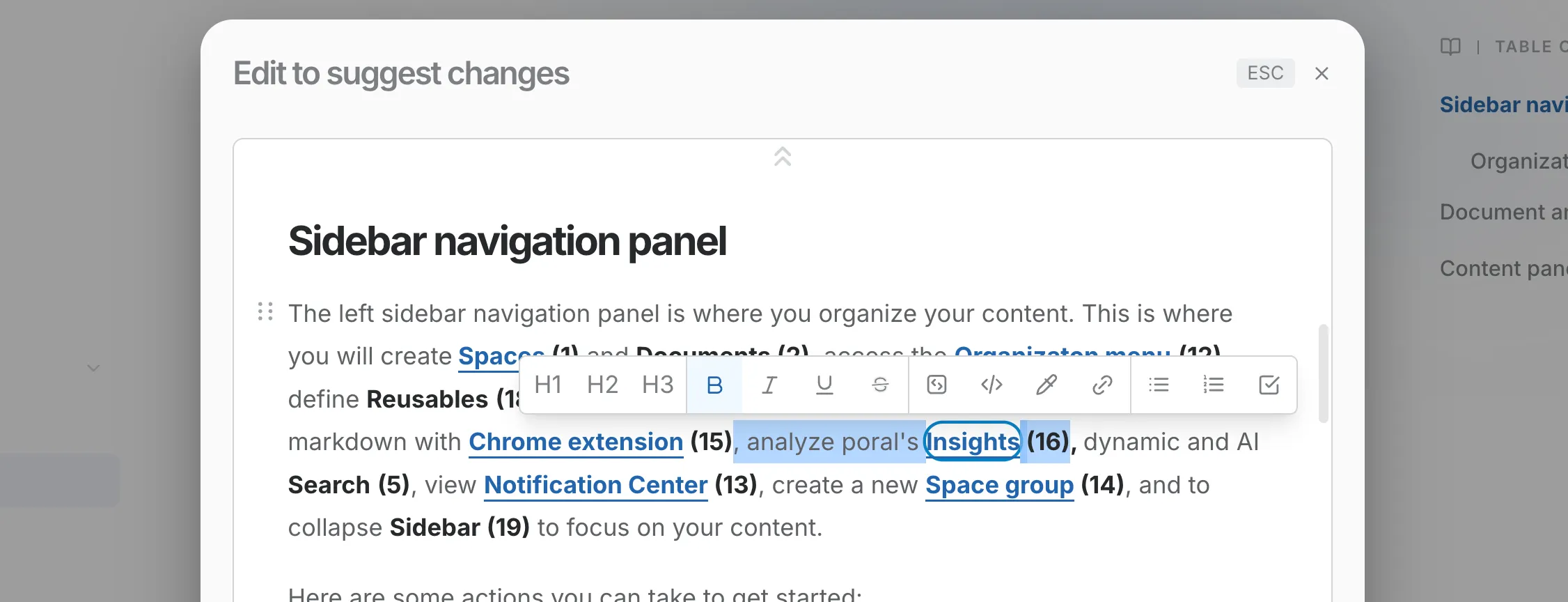
Edit the Content
Write new text, update existing content, or remove anything unnecessary.
Email and Message
Enter your email address for confirmation and add a brief note explaining your suggestion.

Send and Confirm
Click Send for Review and...

... confirm your submission via the email link.

Managing Suggestions (for portal owners)
Notification of Suggested Document Changes
When a suggestion is submitted, you will receive a notification and an email to inform you.
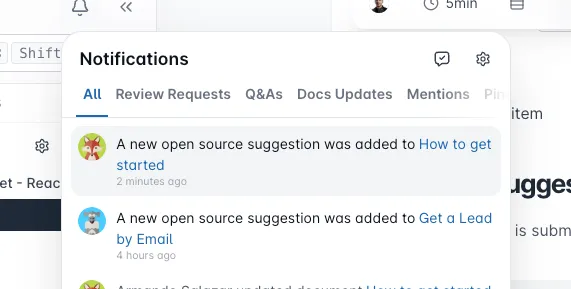

Navigate to Suggestion
A comment appears inside the document with the proposed changes.

Manage the Suggestion
Click View Suggestion to see a document with changes on it — removed text in red and added text in green.
Then, you can:
- Accept suggestion and to apply the changes immediately.
- Drop Suggestion if you prefer to keep the current version.

⚠️ When you accept the suggestion, the document will be updated with the new one. For more complicated or multiple suggestions, we recommend to just update the file yourself.
Benefits of using Suggest Changes
The Suggest Changes feature promotes collaboration between readers and authors. It provides a simple, structured way to collect feedback, implement improvements, and maintain accurate, evolving documentation.
Tell Us What You Think
We're trying to build something great, but we need your unique perspective to make it even better. Don't hold back and let us know what's on your mind.
Feedback Form
Need to share your thoughts directly? Use the feedback form to leave a quick text feedback.
Ask a Question (Q&A Section)
Have a specific problem or need a solution? Post it here! Below is a public section where our community, our team, or our AI can respond and offer help.
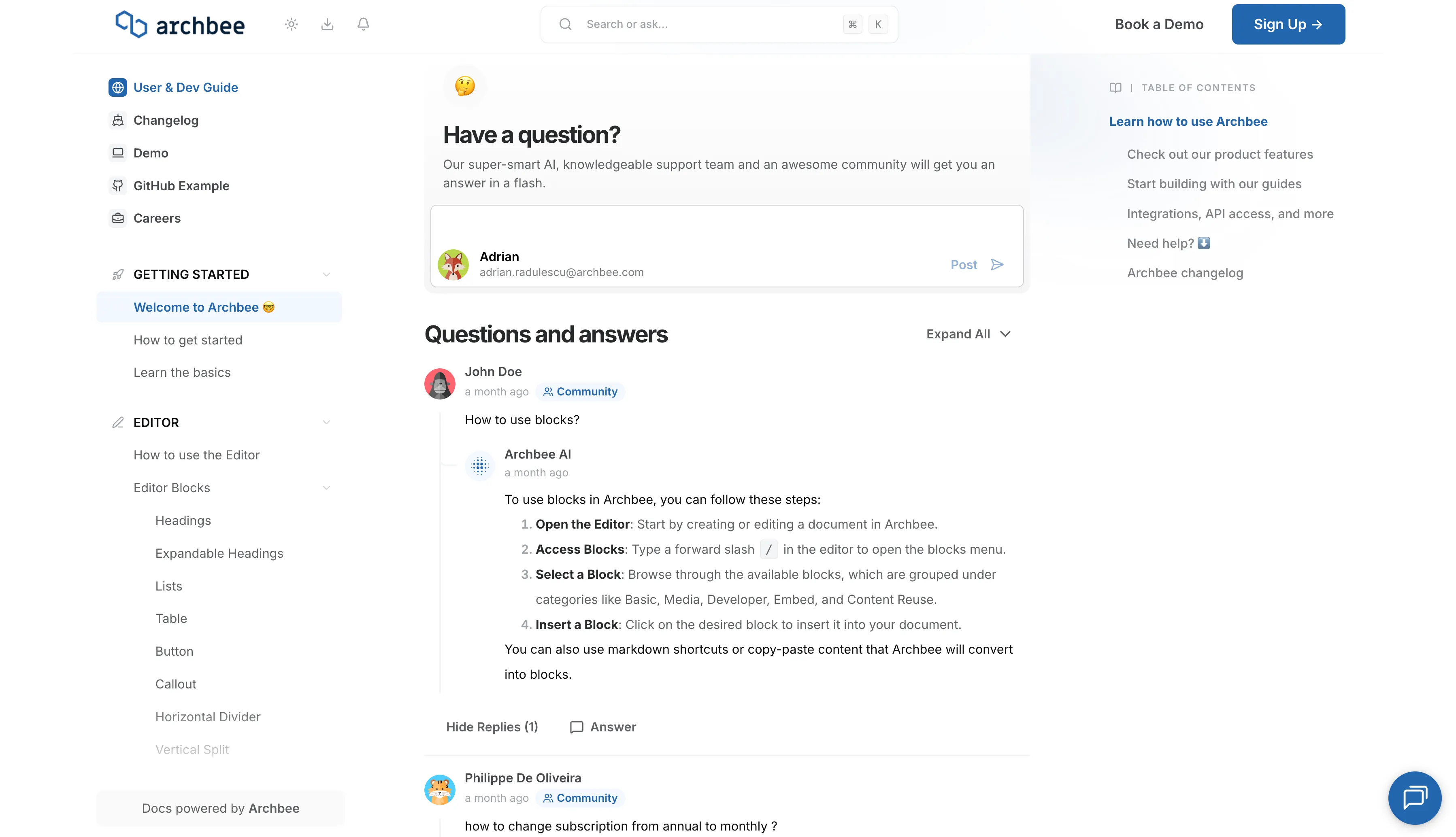
Support Chat
Need personalized support right now? Use the blue chat bubble in the bottom-right corner. This connects you immediately with our support team.