Identifying Power Users
But gut feelings aren't good enough. Let's look at how to identify them systematically through data.
The SQL queries we'll explore are intentionally generic - they'll work with any product that tracks user actions. Just replace the table and column names with your own, and you'll have a foundation for identifying your power users.
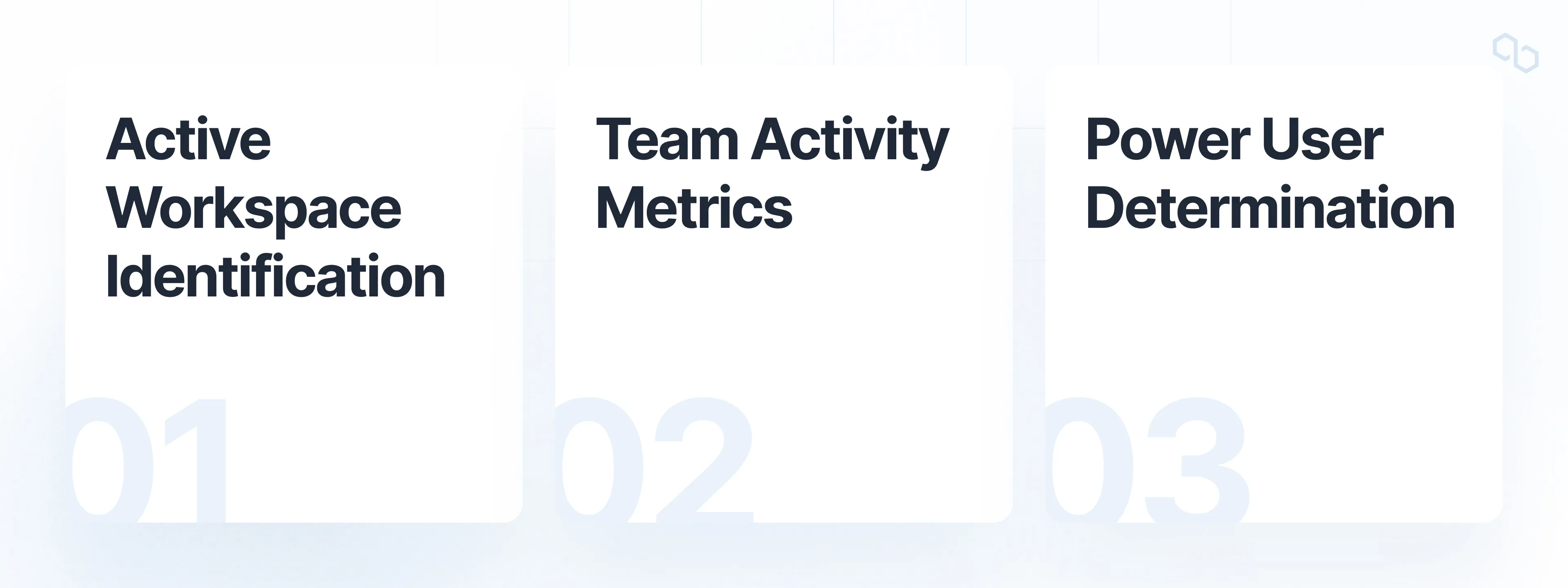
The query breaks down into three main components that build upon each other:
Let's break down each part.
1. Active Workspace Analysis
First, we identify active workspaces in the system:
CREATE OR REPLACE TABLE workspace_data AS (
    SELECT
        team_id,
        workspace_id,
        workspace_url,
        created_at
    FROM workspaces
    WHERE
        url != ''
        AND url IS NOT NULL
        AND id NOT LIKE 'TEMP-%'
        AND status = 'active'
    ORDER BY created_at DESC
);
This creates a clean dataset of active workspaces by:
- Filtering out empty or invalid URLs
- Excluding temporary workspaces
- Only including active statuses
- Maintaining creation date order
2. Team Activity Metrics
Next, we analyze team-level engagement:
CREATE OR REPLACE TABLE team_activity_metrics AS (
    SELECT
        team_id,
        COUNT(activity.id) AS total_activities,
        COUNTIF(DATE(activity.created_at) > DATE_ADD(CURRENT_DATE(), INTERVAL -30 DAY))
            AS recent_activities,
    FROM activity_logs
    WHERE activity_type IN ('key_action_1', 'key_action_2')
    GROUP BY team_id
);
This builds a activity profile for each team by:
- Counting total activities
- Tracking recent (30-day) activities
- Focusing on key actions that indicate engagement
3. Power User Identification
Finally, we identify the most active user in each team:
CREATE OR REPLACE TABLE power_users AS (
    WITH user_rankings AS (
        SELECT
            team_id,
            user_id,
            COUNT(activity_type) AS activity_count,
            ROW_NUMBER() OVER (
                PARTITION BY team_id
                ORDER BY COUNT(activity_type) DESC
            ) AS rank
        FROM activity_logs
        JOIN users ON users.id = activity_logs.user_id
        JOIN teams ON teams.id = activity_logs.team_id
        WHERE
            users.active = true
            AND teams.active = true
        GROUP BY team_id, user_id
    )
    SELECT
        team_id,
        user_id,
        rank,
        activity_count
    FROM user_rankings
    WHERE rank = 1
);
This identifies power users by:
- Counting activities per user within each team
- Ranking users by activity level within their team
- Selecting the top user from each team
- Ensuring both users and teams are active
The Logic Behind Power User Identification
The system defines power users based on several key principles:
- Activity Level
- Raw count of meaningful actions
- Recent activity (last 30 days)
- Consistency of engagement
- Team Context
- Activities relative to team size
- Comparison within team rather than globally
- Role in workspace management
- Data Quality
- Only considering active users
- Filtering out temporary or test data
- Focusing on meaningful actions