Azure DevOps
2 min
Connect an Azure DevOps organization to Archbee with a personal access token, then sync its repositories to doc spaces. You need permission to create tokens in the Azure DevOps organization and permission to edit team integrations in Archbee.
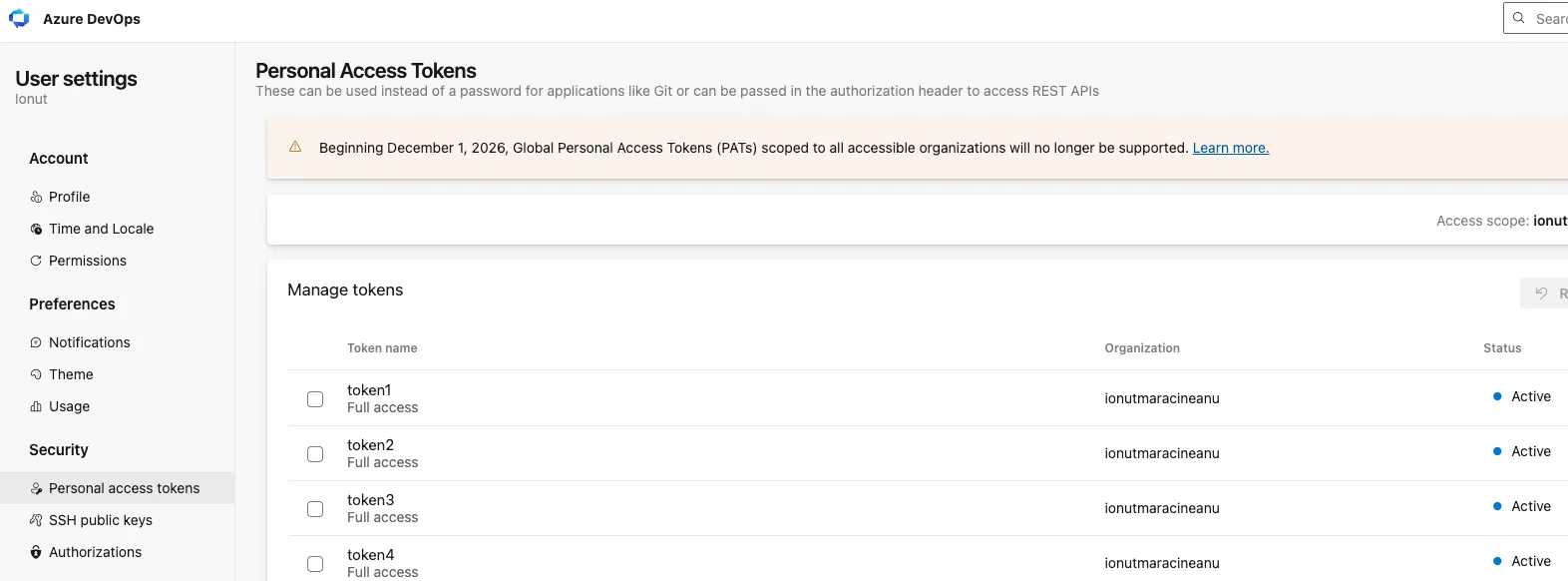
- Open the token page for your organization at https://dev.azure.com/{organization}/_usersSettings/tokens, and select New Token.
- Grant the token full access or include at least:
- Code (read & write)
- Project (read)
- Service hooks (read & write)
- Copy the token. Azure DevOps shows it once, and you cannot read it again after you close the dialog.
- In Archbee, open Settings → Integrations and select Azure DevOps.
- In Organization, enter the organization name. This is the {organization} part of https://dev.azure.com/{organization}.
- In Personal access token, paste the token you copied.
- Select Connect. Archbee reads the organization's repositories and lists them grouped by project.
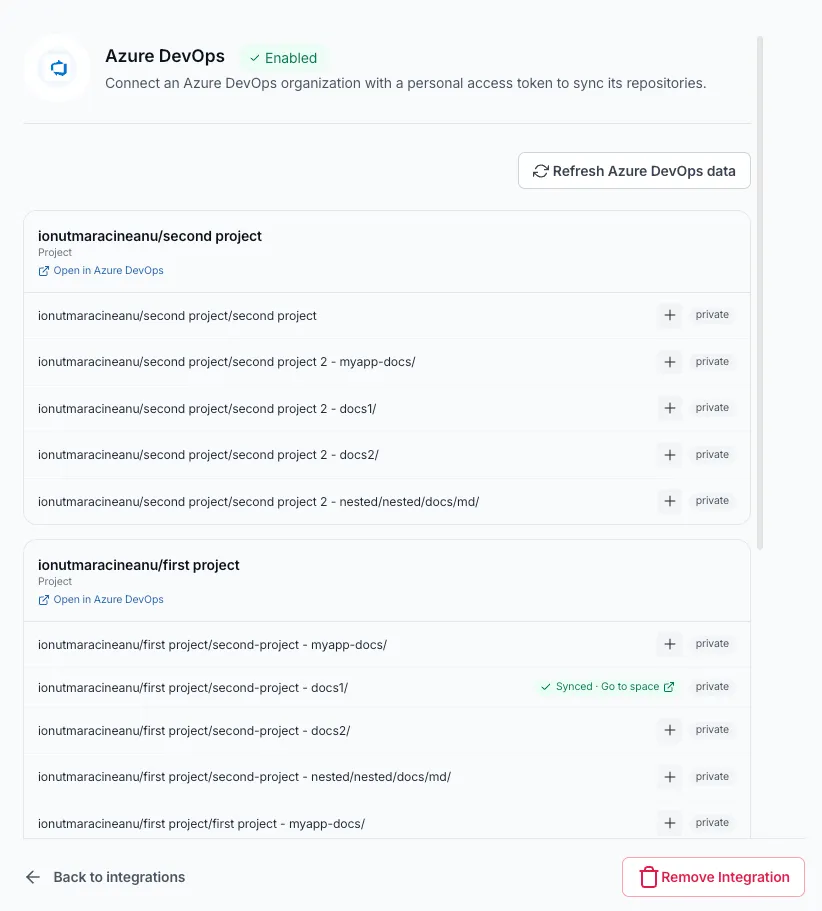
If the list is empty, check that the token has the Code (read) scope and that the organization has Git repositories. To replace an expired token, return to the same screen and use the Update the personal access token form.
This integration works similarly to the GitHub integration. For more information about the two-way sync functionality and repository configuration, see Set up the repository
Have a question?
Our super-smart AI, knowledgeable support team and an awesome community will get you an answer in a flash.
To ask a question or participate in discussions, you'll need to authenticate first.