Custom Code
1 min
Adding custom code to a hosted Space.
The code that you add to a Space works on your domain and on the Preview link, so you can check changes there before you publish to production. On a free trial, custom JavaScript only works on your domain.
Choose a space and click on the Settings icon ( ⚙️ ) to open the Space Settings
Look for the Custom Code tab
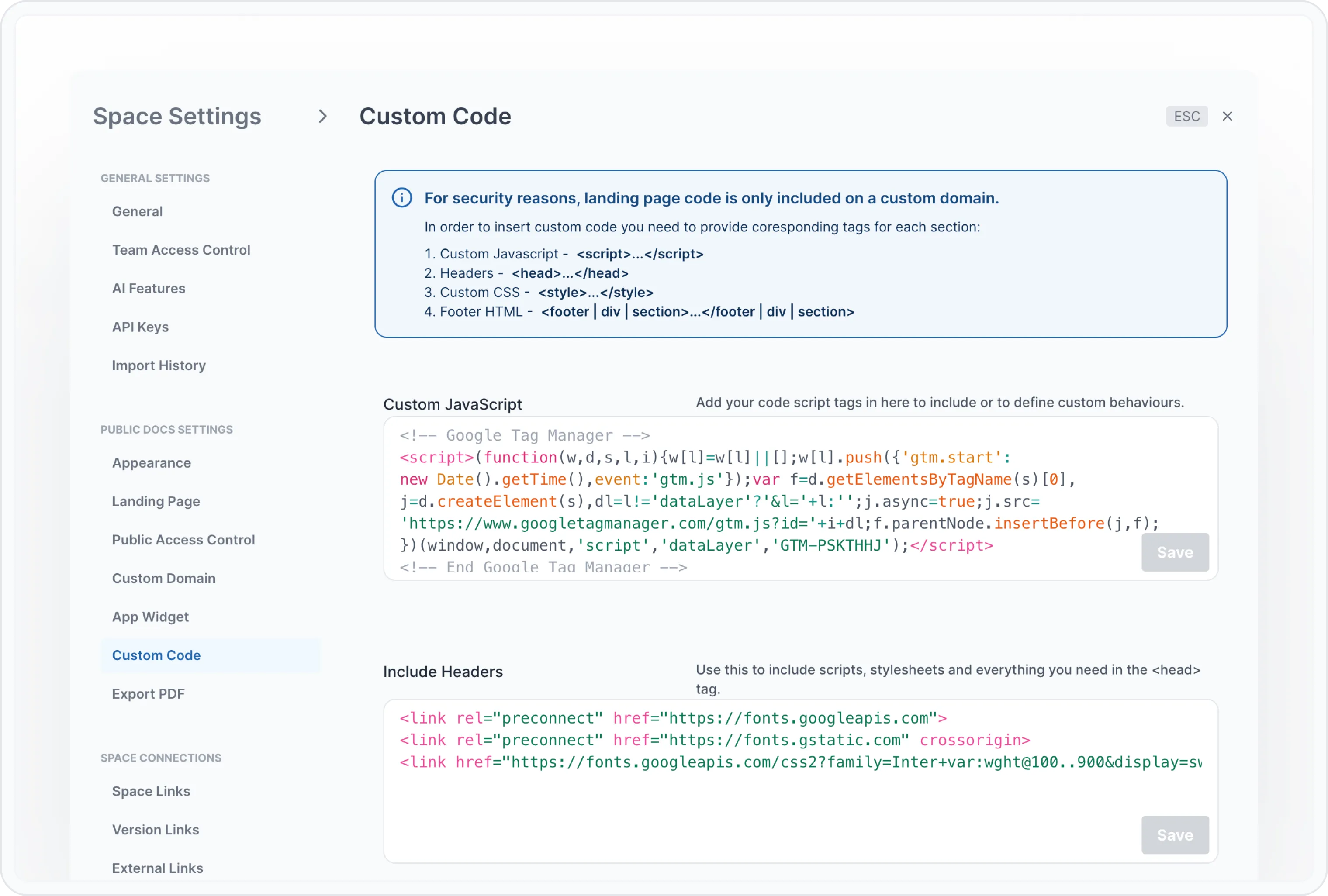
Add your JavaScript, CSS code, include headers or add a footer.
Here is an example of How to change the font