Notify on document changes
1 min
To keep up with constant changes to a document, you can choose to receive notifications whenever there's an edit to your document.
Open your desired document, click the three-dot menu in the editor and, from the Document options, click on Subscribe to changes.
🔔
You have to do this for each document you want to receive notifications for, or use Subscribe to changes from a space's three-dot menu to follow every document in that space.
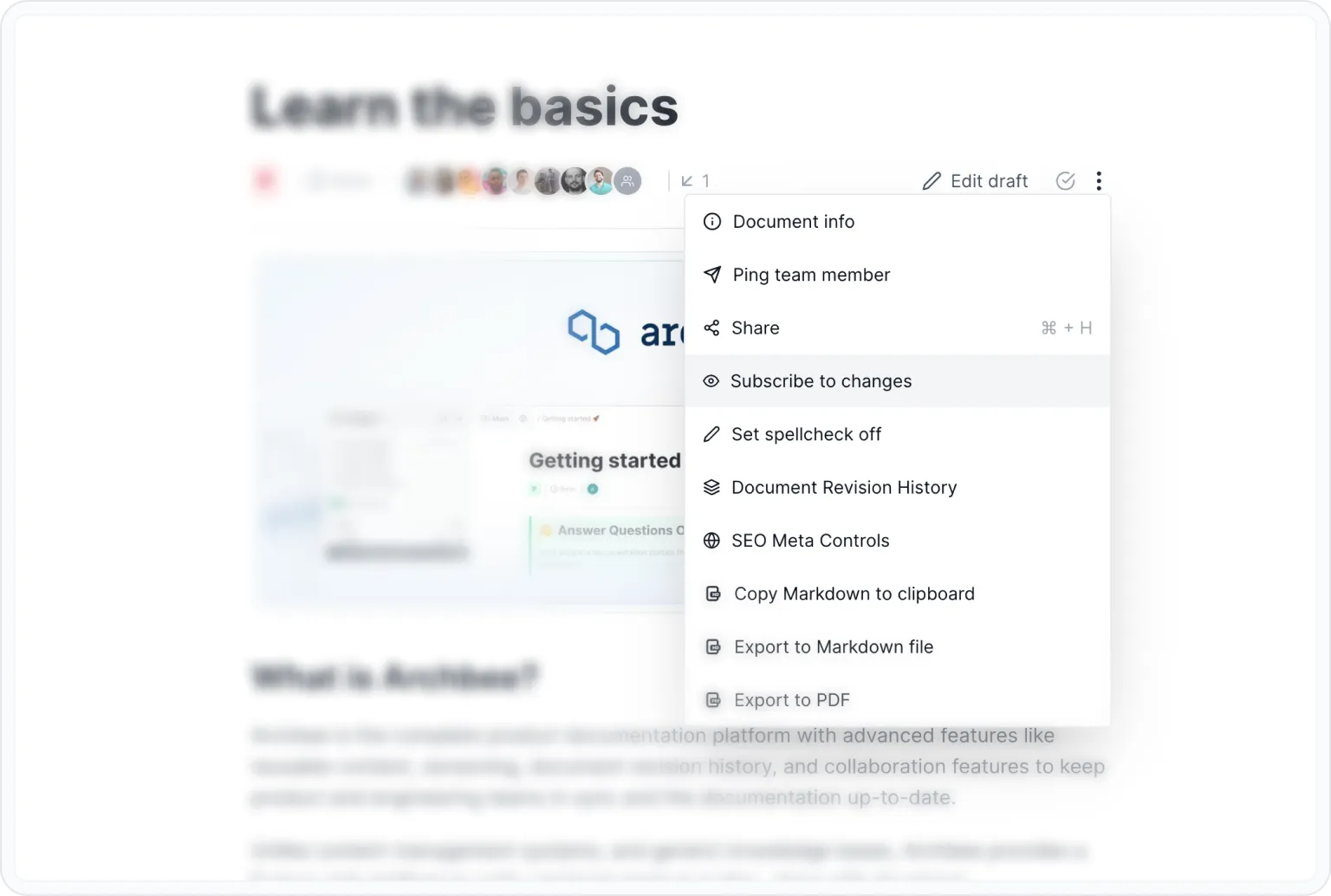
Subscribe to changes
Now, whenever somebody in your organization makes an edit to that document, you will receive an in-app notification under the 🔔 icon in the top left corner.
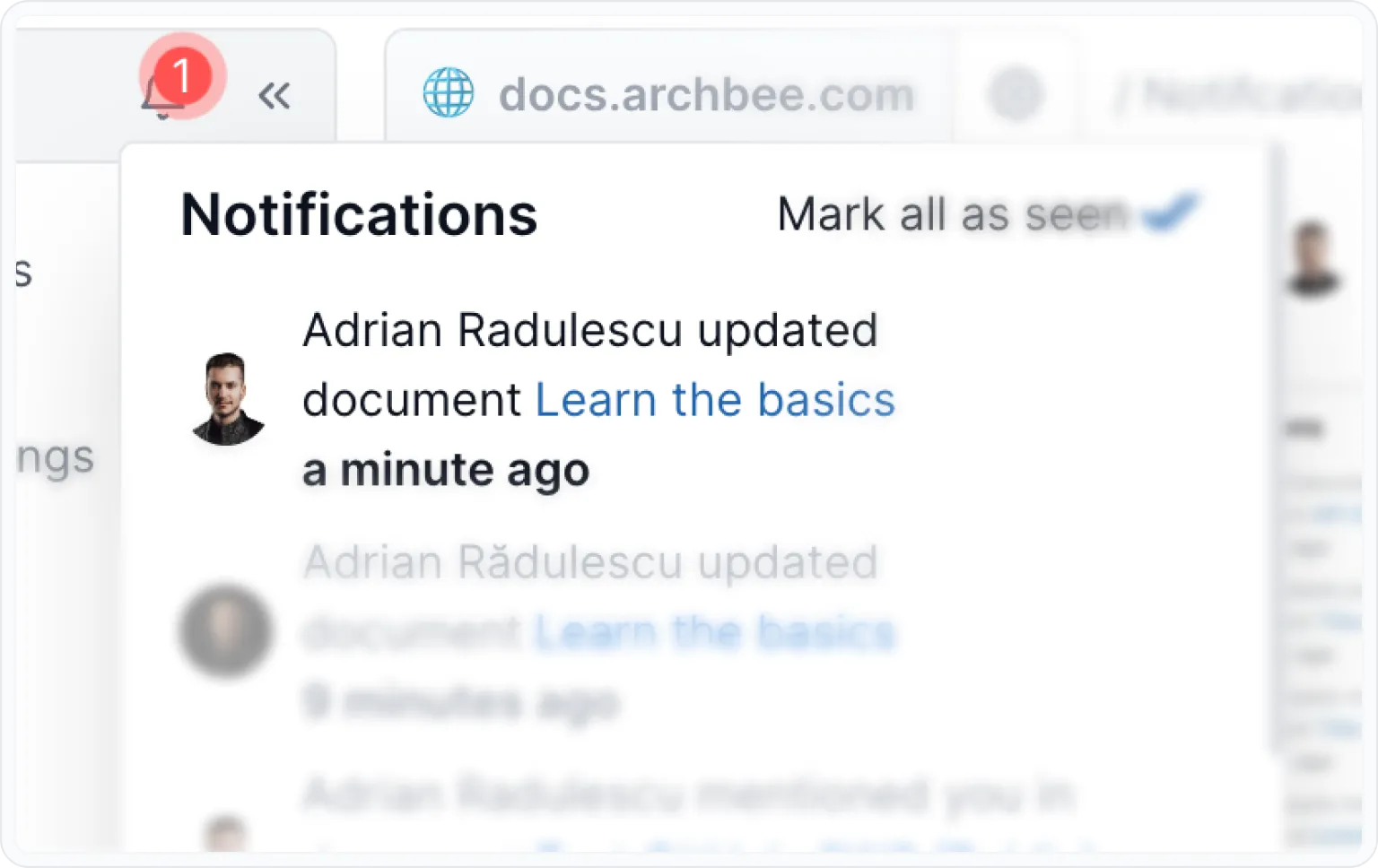
Notifications