Space group
What is a Space Group?
You can think of Spaces as folders. We introduced Space Groups to easily group Spaces into Space Group.
By default, you will have one Space Group called Spaces, and you can create as many Space Groups as needed to organize your workspace efficiently.
How to create and manage Space Groups
Create a new Space Group using the Create a new portal button

Rename or Delete a Space Group from the Rename and Delete Portal buttons on its dashboard's Overview tab

DELETE - a Space Group must be empty(not containing any spaces) in order for it to be Deleted
Reorder - Space Groups can be reordered by dragging and dropping them in the desired position
How to add Spaces to a Space Group
There are 3 ways to add a Space to a Space Group:
Create a new Space inside the Space Group

Move the Space to the Space Group from the Space's 3 dot menu
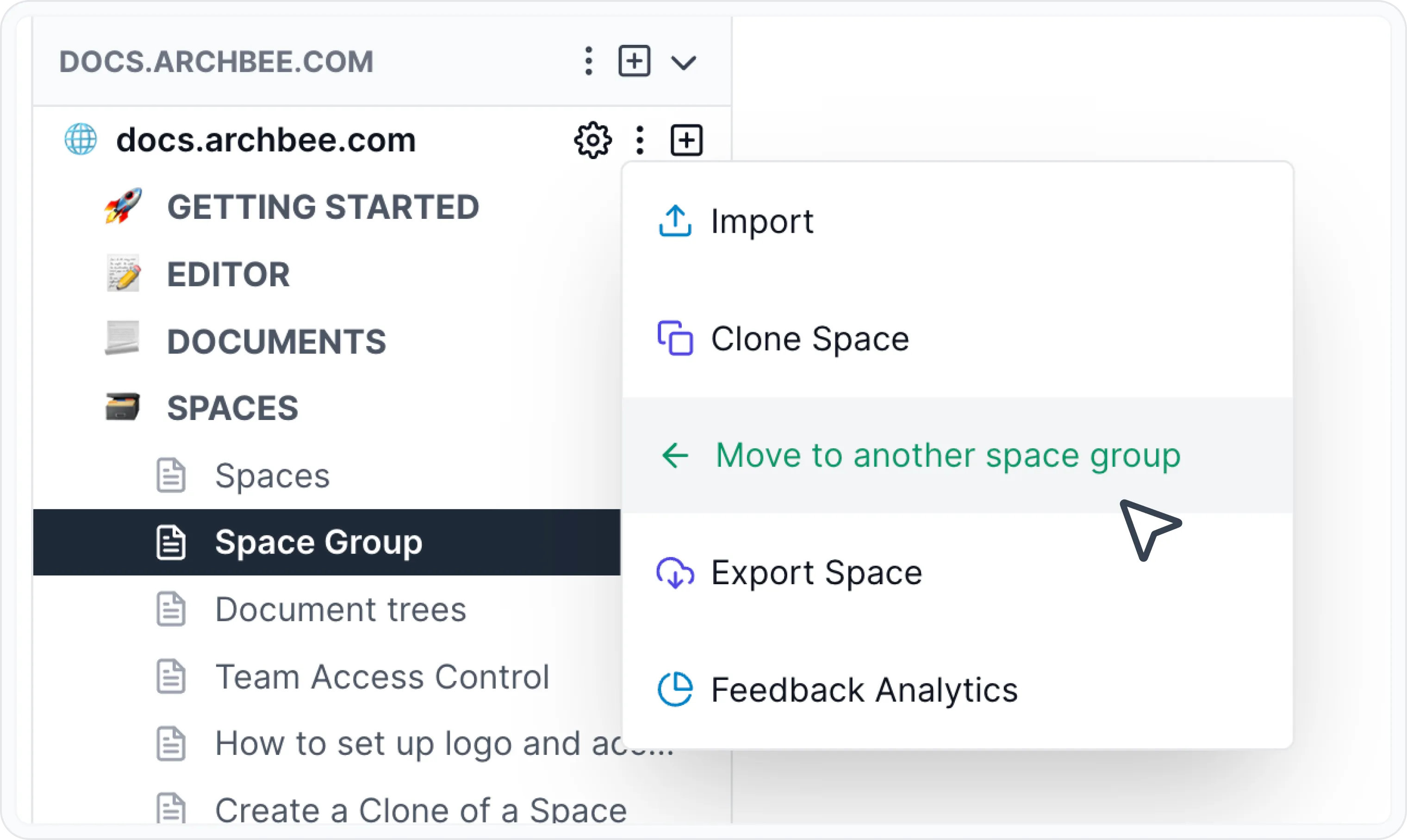
Drag and drop the Space to the Space Group
At least one Space Group must exist, so the last remaining Space Group can not be deleted