Documentation.new
Like with any writer, the blank page (or computer screen)
is a technical writer’s enemy.
The best advice? Just start with something. It’s called a “draft” for a reason!
Unless you’re really unlucky, you’ll usually have some materials to begin with, maybe a specification document, a few tickets in the bug tracking system, notes from a meeting with an engineer, an OpenAPI file, or a readme. Once you’ve gathered everything available, you’re ready to produce the first draft.
And, since we’re in 2025, you don’t have to do it all manually. Archbee’s Documentation.new was built to help you skip the slow start. Just hand it your materials—upload files like Markdown, YAML, JSON, DOCX, or point it to a URL or write a short prompt and it will generate your v0 documentation in seconds. Bonus: it builds the documentation site for you too.
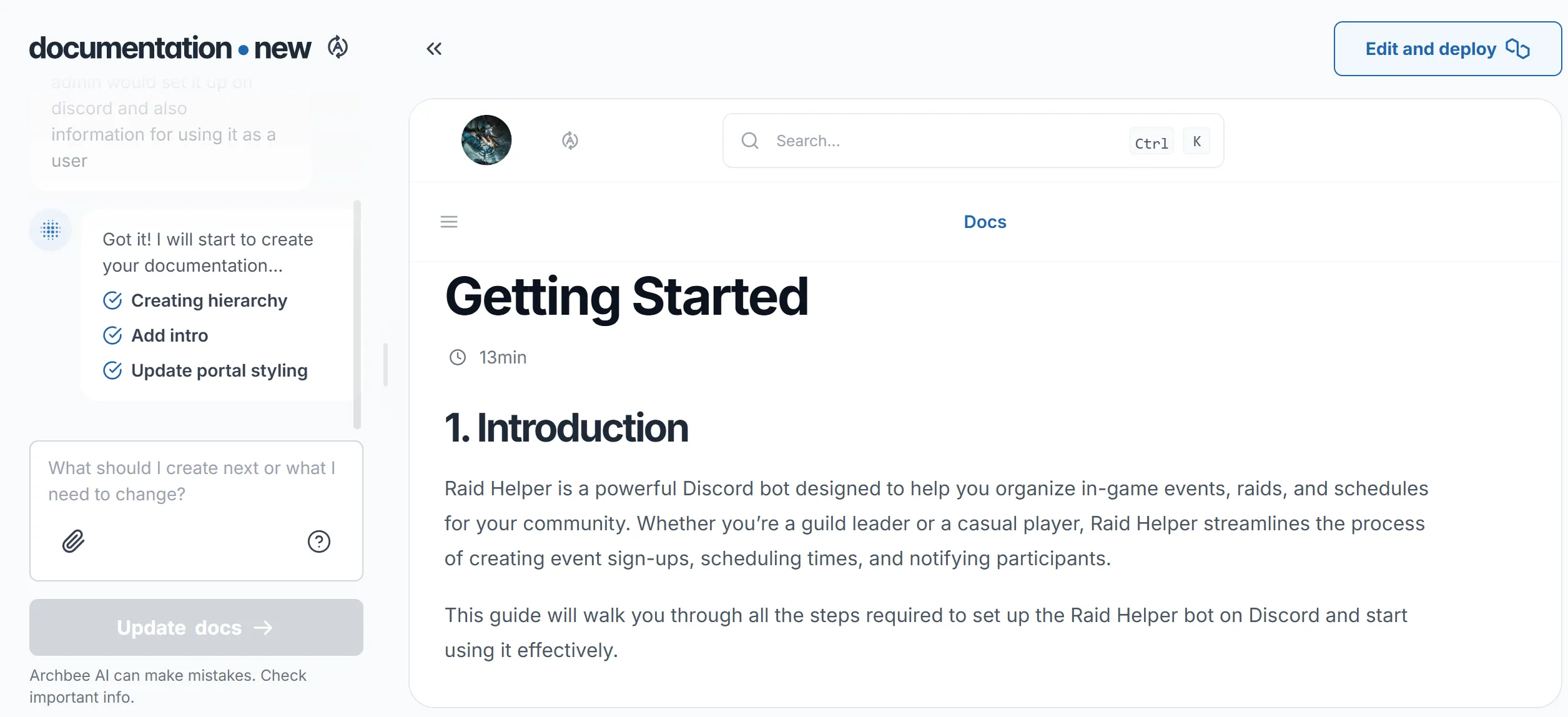
The more specific your input, the better the output. Refine your prompt to guide the structure or content focus, and Documentation.new will generate accordingly.
Once you’ve got that first version, you can, and probably should, go further: revise, rewrite, and continue prompting until the result feels right for your audience.
You can find some tips and tricks about prompting in the AIAI section.
Once you’re happy with your initial documentation, it’s just one click to deploy it into your Archbee space. From there, you can invite collaborators, build out sections, and polish everything for publication.
Starting documentation doesn’t have to be painful. With a little input, Documentation.new gets you to your first usable draft, fast.