What's New Nov 15-31
New Releases
Public Document Actions
We’ve expanded the functionality of user actions on published spaces with a new Document Actions menu, offering readers and collaborators more ways to interact with your documentation.
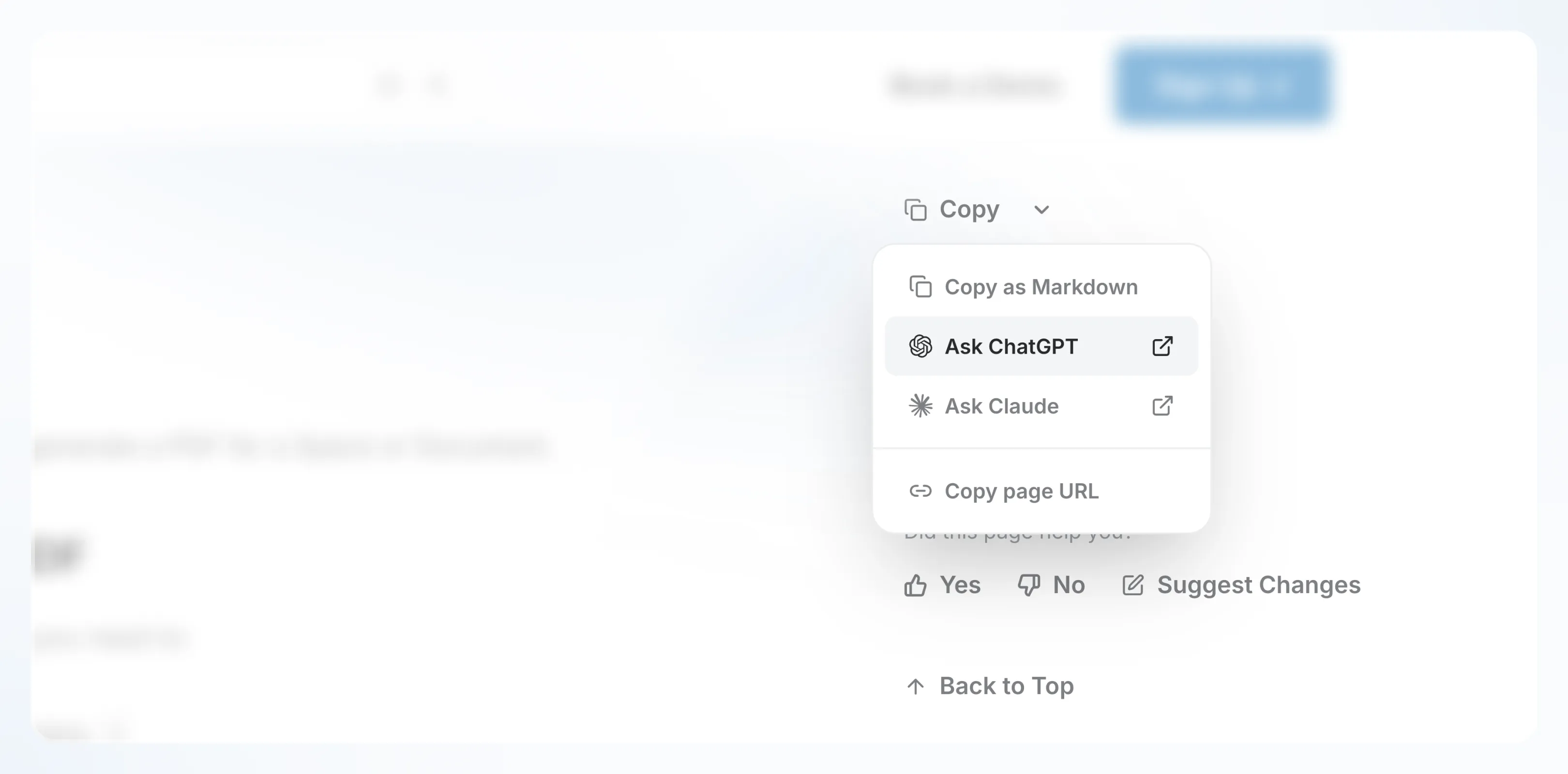
The new menu includes:
- Copy: Quickly copy all page content as Markdonw.
- View page as Markdown: See the raw Markdown structure of the document in a new tab.
- Ask ChatGPT or Ask Claude: Open your preferred AI tool to query your content.
- Copy page link: Share your document instantly with others.
- Back to top: Improves navigation on lengthy documents by allowing users to instantly return to the top of the page.
Other changes:
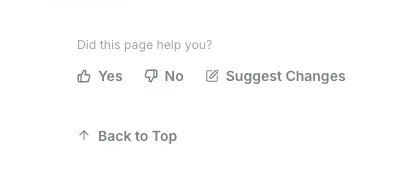
- Suggest Changes: We've repositioned this feature to be closer to the feedback buttons, making it more intuitive and accessible.
- Edit on GitHub: The "Edit on GitHub" button was relocated along with the general feedback buttons for better organization.
- Feedback Analytics Buttons: We've relocated the feedback buttons for easier and faster access within your documentation, under Table of Contents.
How to enable Document Actions
You can enable Document Actions under Appearance in your space settings.
This update makes collaboration smoother and enhances how your readers interact with published documentation.
Link Blocks are Now Link Grids
The former Link Blocks have evolved into the new and improved Link Grids, giving you greater flexibility and control over how you display collections of pages and content across your documentation.
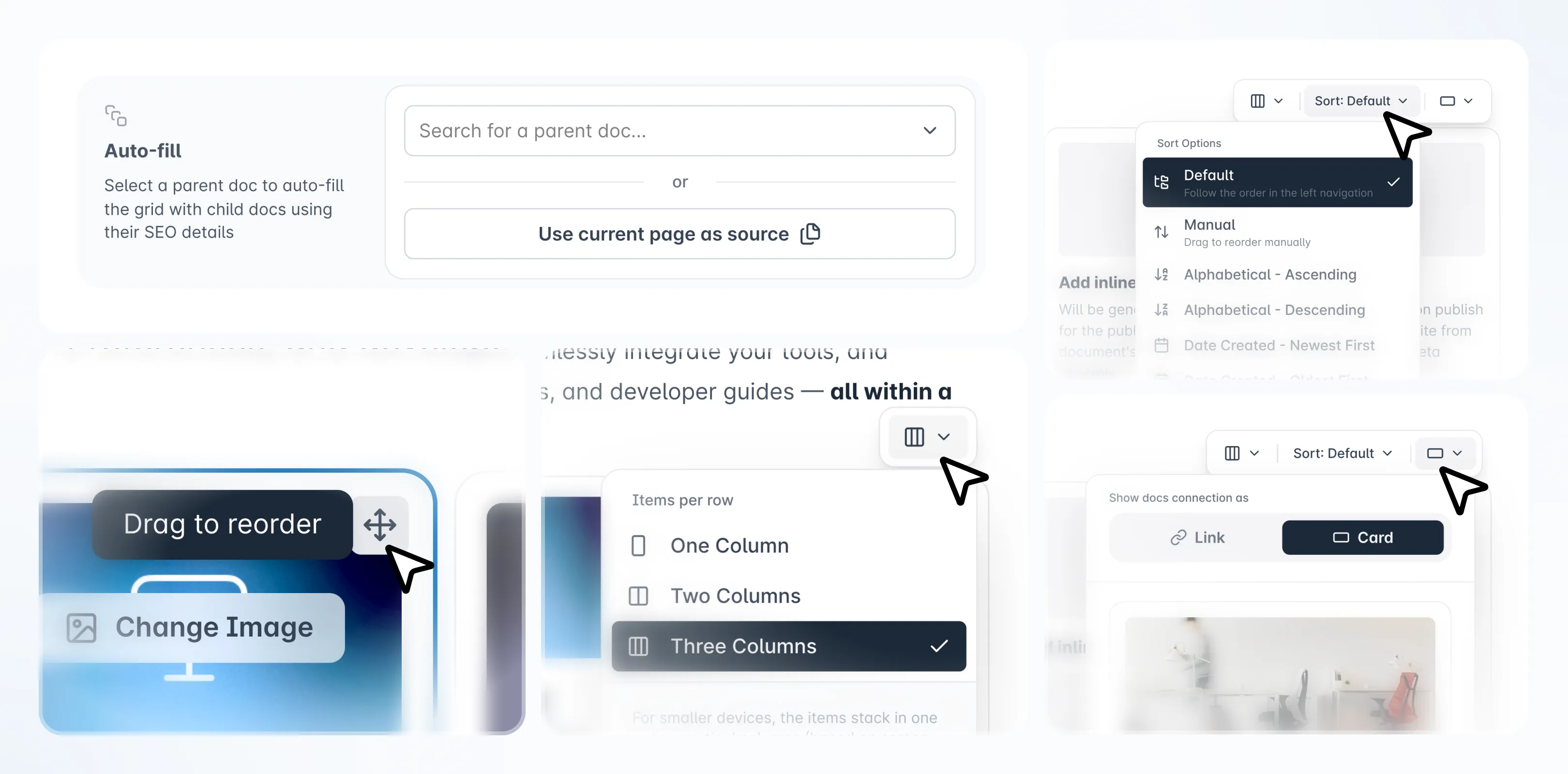
With Link Grids, you can now:
- Automatically display all child documents inside a selected parent page, dynamically updated as new pages are added or removed.
- Choose between card or list layouts, adapting the visual style to your content needs.
- Adjust the number of columns (1, 2, or 3) for better visibility across large collections.
- Easily manage large documentation structures with improved performance and layout balance.
These enhancements make it easier to organize and present your documentation collections, especially for users with complex hierarchies or extensive knowledge bases.
No action required
As part of this update, existing Link Blocks in your spaces will be automatically upgraded to Link Grids, no action required.
Tweaks & Fixes
Fixed ✅
Feature | Description |
|---|---|
Editor / Link Grid | Fixed an issue where adding an auto-fill section to a document would create double scrollbars and break smooth scrolling. |
Editor / Link Grid | Resolved a layout bug where adding a Link Grid with autofill at the bottom of a document created excessive empty space. |
Editor / Link Grid | Fixed a bug where "Link Grids" could be dragged and reordered while in Preview mode. |
Editor / Link Grid | Addressed a visual glitch where the "Add image" element in Link Grids was missing rounded corners. |
Editor / Link Grid | Corrected an issue where the "Image" header option was incorrectly displayed in the "Suggest changes" module for Link Grids. |
Editor / Link Grid | Fixed the "Learn how it works" link in the Link Grid block which was previously unresponsive. |
Editor / Tables | Fixed a bug allowing users to type text inside the same block container as a table, which would disappear in preview mode. |
Editor / Tables | Resolved an issue where the table's left border would disappear if the header was removed while rows were merged beneath it. |
Editor / Tables | Removed an unwanted trailing paragraph that appeared in the table edit modal. |
Search | Fixed a bug where search results from other spaces were not returned when using Magic Link authentication. |
Search | Resolved an issue where search results were not returning when using the Private Link authentication method. |
Integrations | Fixed an issue preventing document conversion after syncing Markdown content from GitHub to Archbee. |
Published View | Corrected the Table of Contents order where headings inside Workflow Blocks were displayed incorrectly. |
Published View | Fixed a bug where "Auto" theme colors were incorrectly applying dark mode settings to user palettes. |
Published View | Fixed an issue on Safari where hitting the Escape key on an image would auto-scroll to the top of the document. |
Spaces / Docs | Fixed a bug where document icons would not save unless the user clicked on a different document immediately after selection. |
UI / Components | Fixed issues with multiple drop-down menus interacting incorrectly. |
Improvements 📈
Feature | Description |
|---|---|
Notifications | New: Introduced a new Notifications system within Archbee to keep you updated on workspace activity. |
Editor | New: Added a "Back to Top" button under the Table of Contents on public portals for easier navigation. |
Editor | Added the ability to highlight selected text using the user's specific color palette. |
Editor | Improved the "Add Block" modal with better styling for shortcut keys. |
CMS | Updated active states and fixed UI inconsistencies in the CMS interface for a smoother experience. |
UI / Navigation | Refined the "Color Nav" spacing and side panel width on larger screens (Full HD+) for better visual balance. |
Onboarding | Updated the Onboarding Checklist with new styling, including specific colors for solved/unsolved tasks and badges. |
Share | Added the ability to easily copy the public link for a specific document directly from the interface. |
Referral | Updated the "Referral Program" name for better clarity. |
Tell us what you think
We're trying to build something great, but we need your unique perspective to make it even better. Don't hold back and let us know what's on your mind.
Feedback Form
Need to share your thoughts directly? Use the feedback form to leave a quick text feedback.
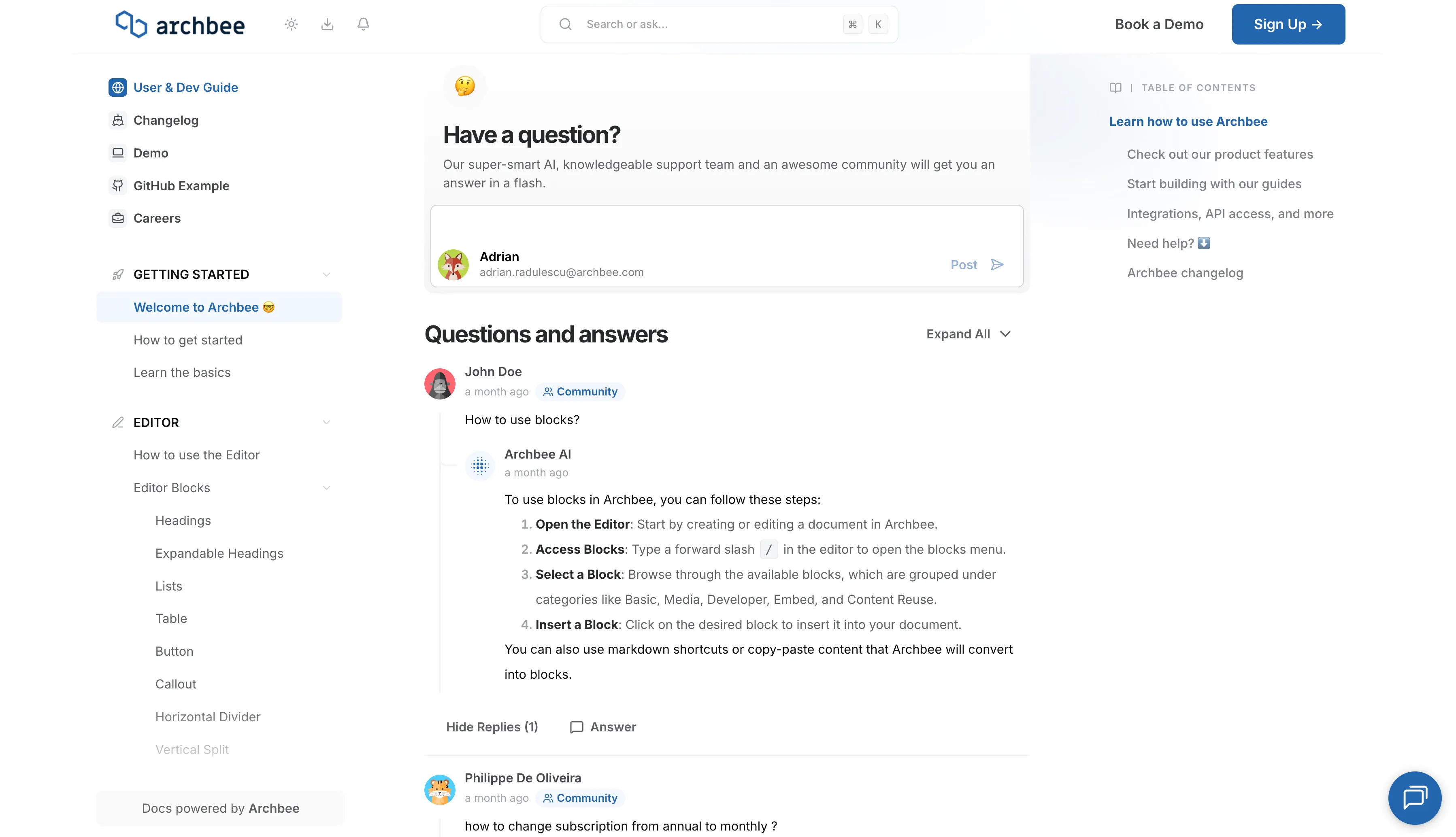
Ask a Question (Q&A Section)
Have a specific problem or need a solution? Post it here! Below is a public section where our community, our team, or our AI can respond and offer help.
Support Chat
Need personalized support right now? Use the blue chat bubble in the bottom-right corner. This connects you immediately with our support team.