如何更改字体
2 分
当您想要更改生产网站上加载的字体时,您有 2 个选项:
1. 使用 Google Fonts
点击齿轮图标 ⚙️ 打开 空间设置
在 Space Settings 模态窗口中找到 外观 选项卡
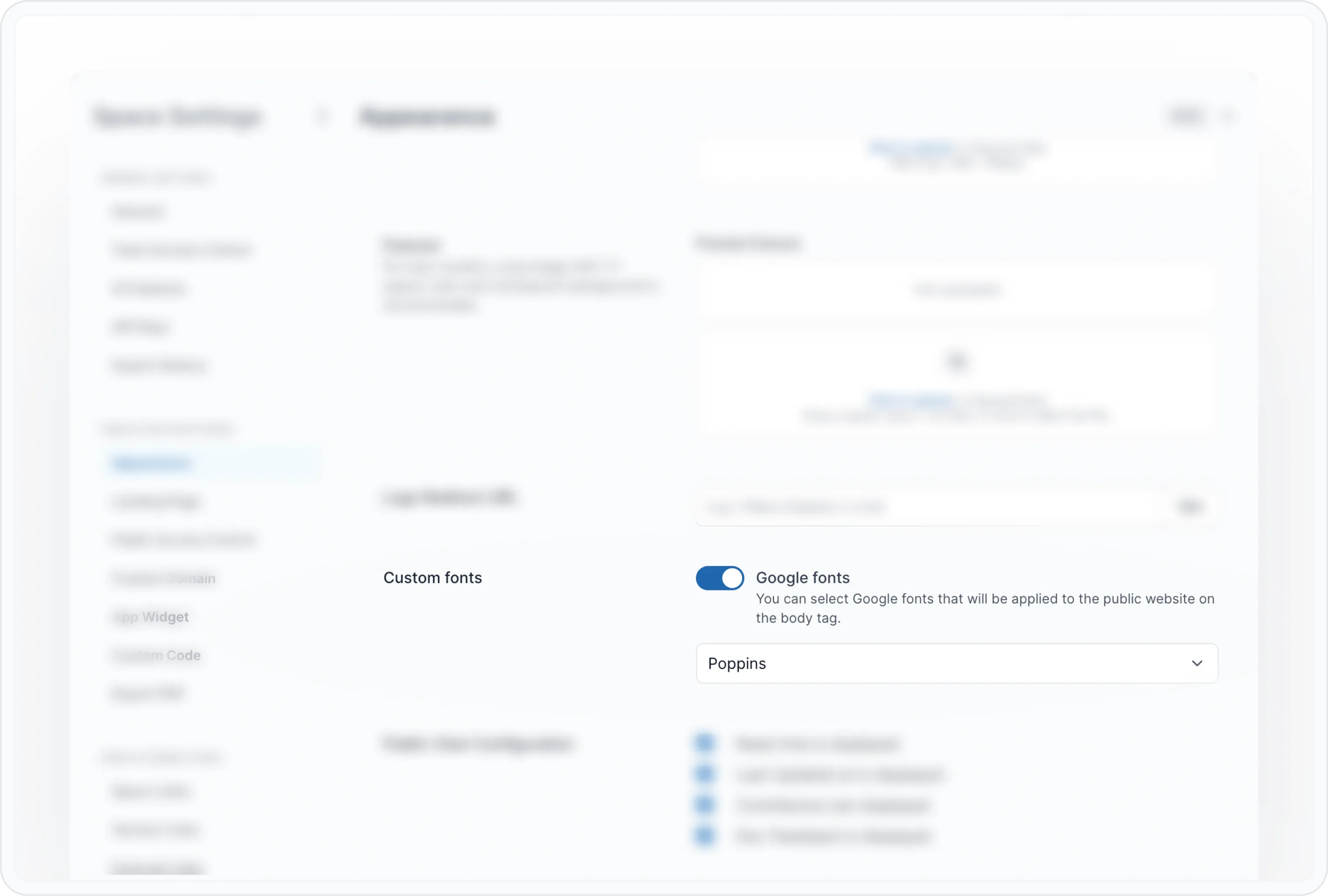
向下滚动到 定制字体并将其切换为开启
选择所需字体,更改将自动保存
2. 使用自定义 CSS 引用字体
点击齿轮图标 ⚙️ 打开 空间设置
在 Space Settings 模态窗口中找到 定制代码 选项卡
在 包含标头 框中添加字体链接
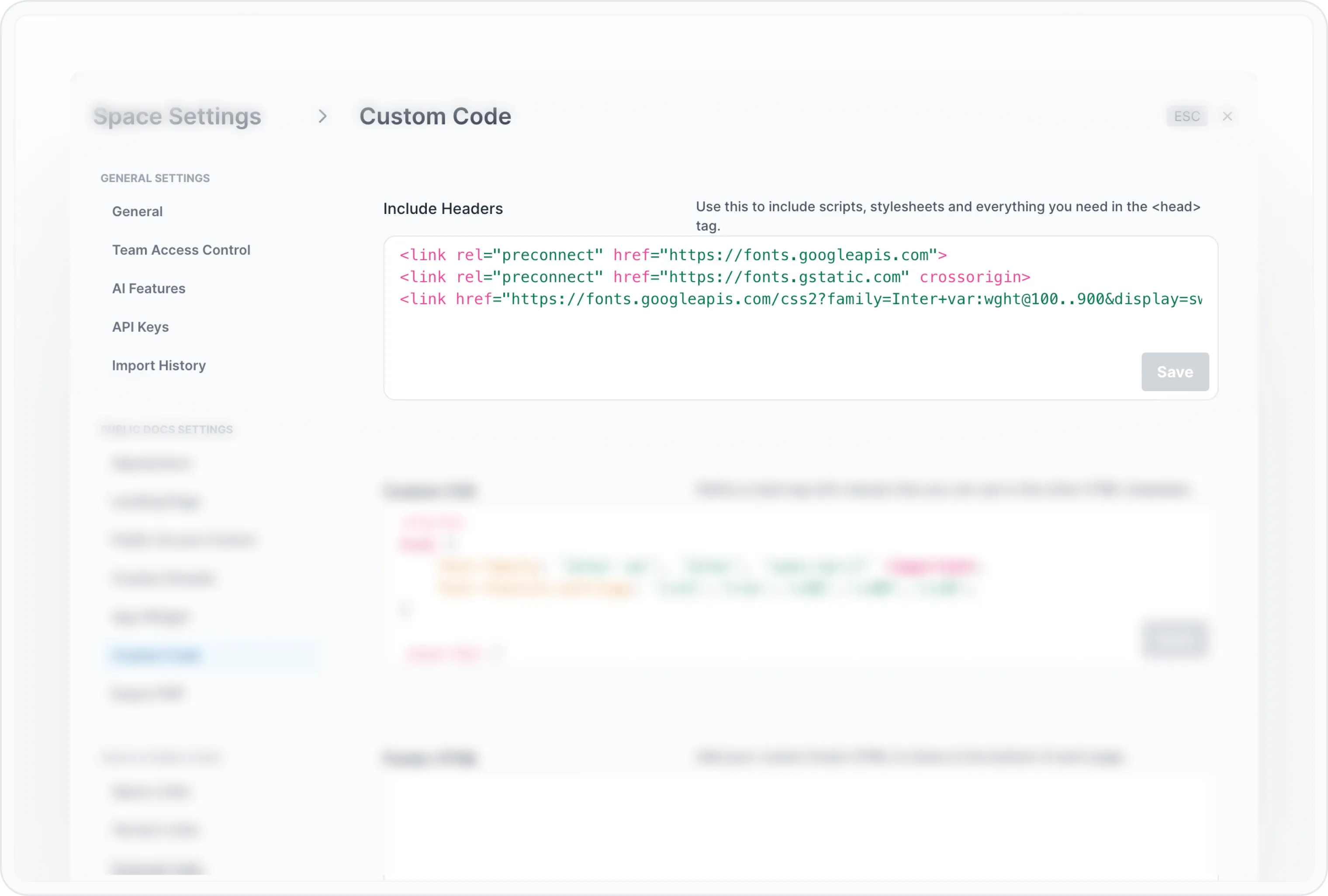
Include Headers 字体示例:
<link href="https://fonts.googleapis.com/css2?family=Hind+Siliguri:wght@300&display=swap" rel="stylesheet"/>添加 CSS 属性
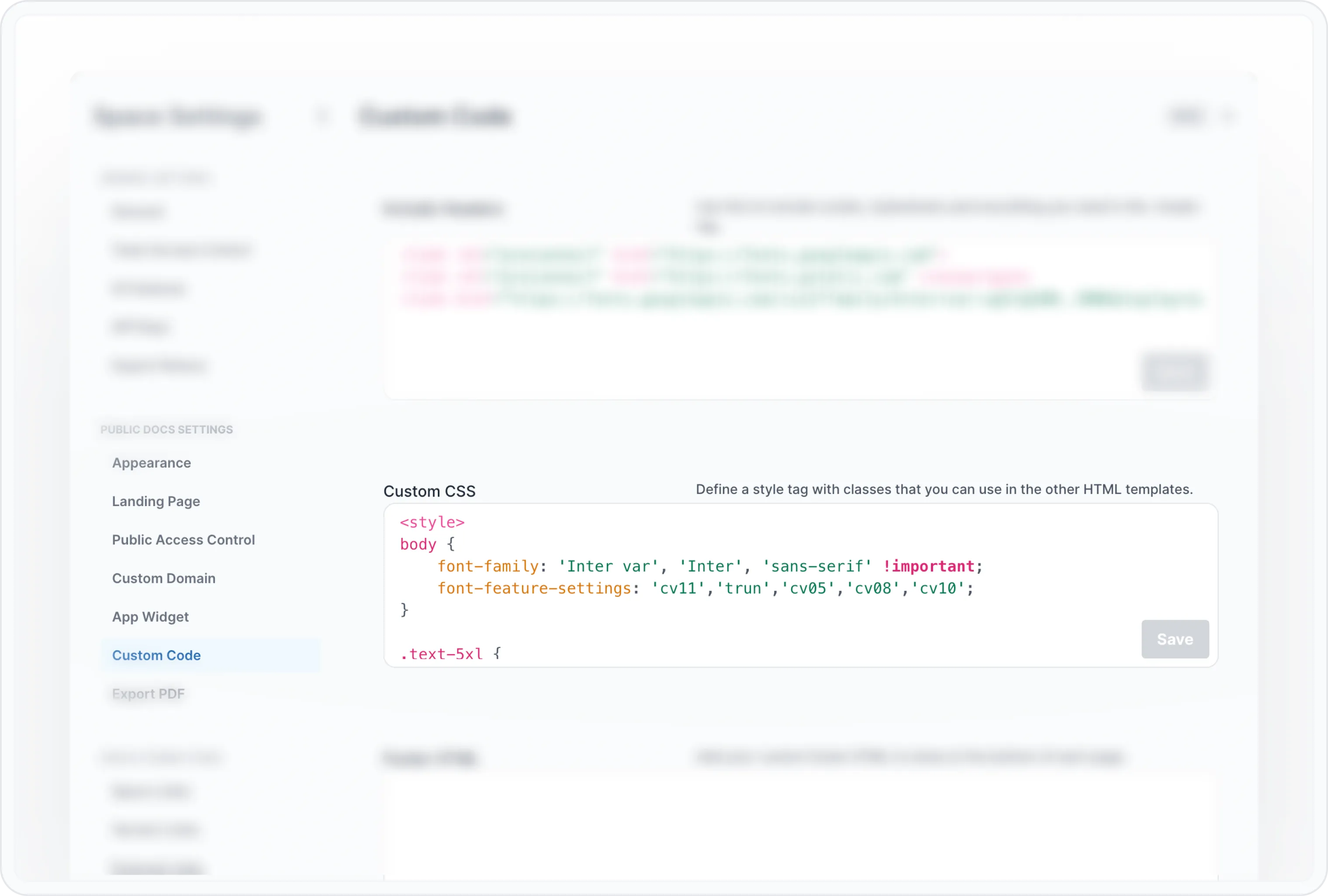
<style>
body {
    font-family: Hind Siliguri, sans-serif !important;
}
</style>
Have a question?
Our super-smart AI, knowledgeable support team and an awesome community will get you an answer in a flash.
To ask a question or participate in discussions, you'll need to authenticate first.