导入 Notion 页面
2 分
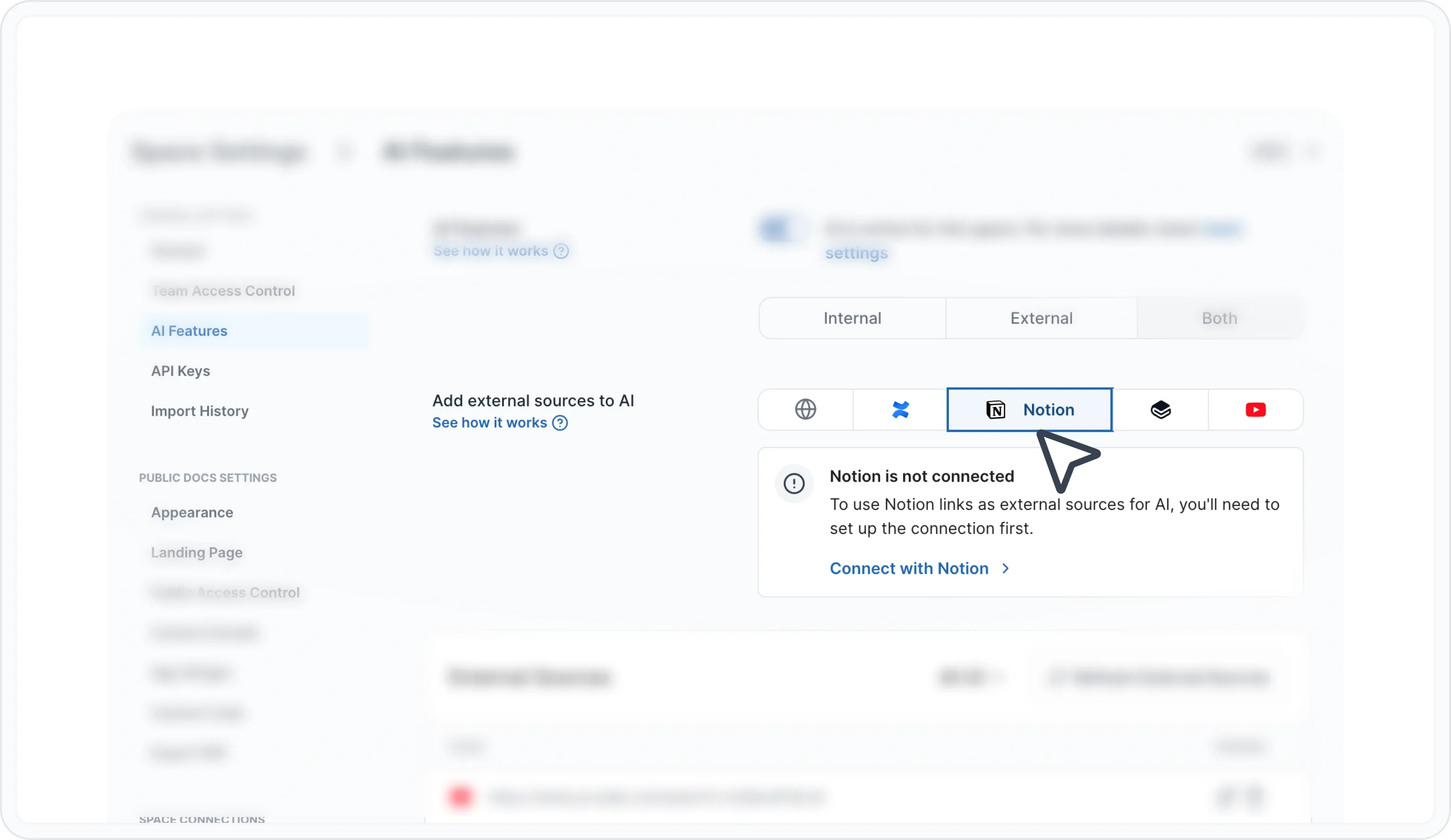
类似于 Confluence,您也可以将 AI 集成到外部的 Notion 页面中。您需要为一个 Notion 空间设置凭据和 URL,我们将从其中获取文档。
设置
- 在您的页面或数据库上为新的集成添加连接。为此,请打开您的 Notion 页面,转到右上角的 Settings,然后向下滚动到 添加连接,并选择您的新集成。
- 获取您想加载的页面的 PAGE_ID 或 DATABASE_ID。URL 路径中的 32 位十六进制字符即为该 ID。例如:
导入 Notion 页面
Have a question?
Our super-smart AI, knowledgeable support team and an awesome community will get you an answer in a flash.
To ask a question or participate in discussions, you'll need to authenticate first.