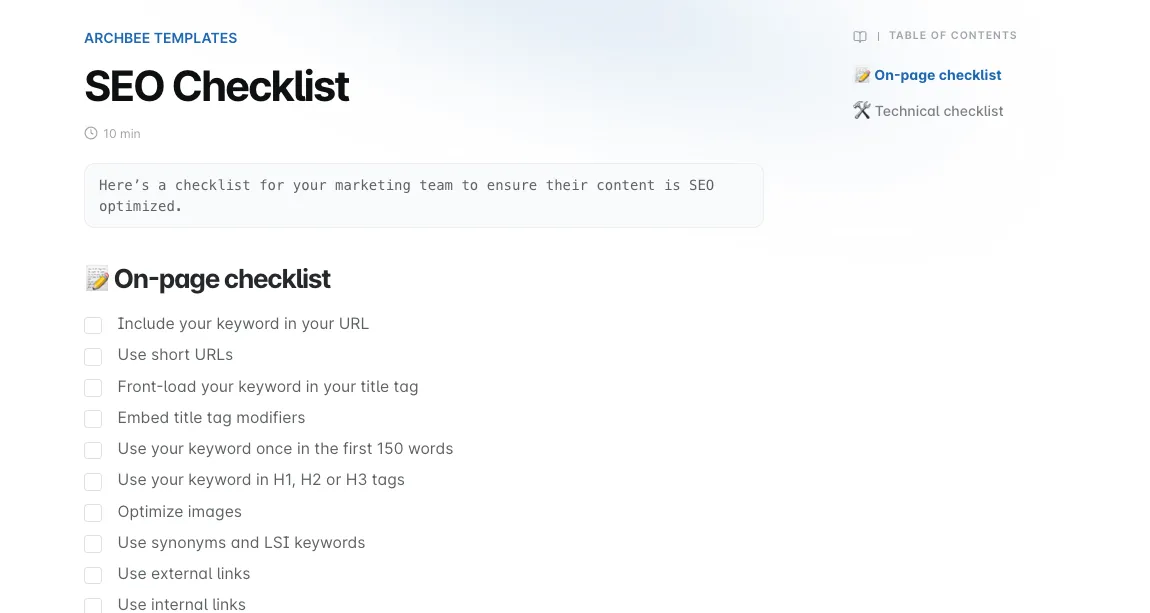
Templates
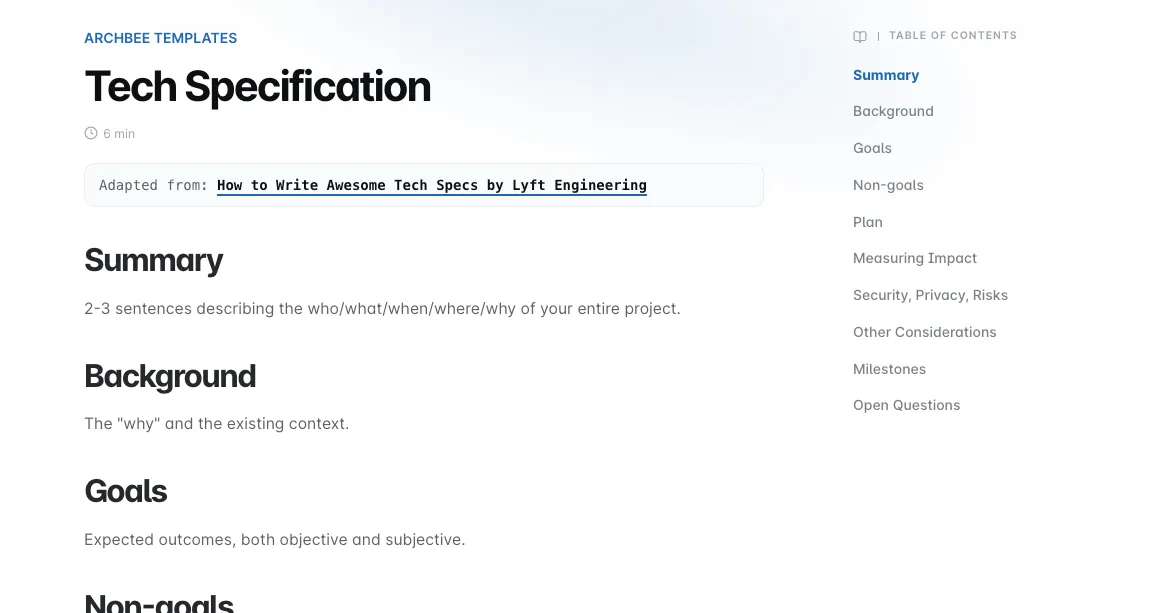
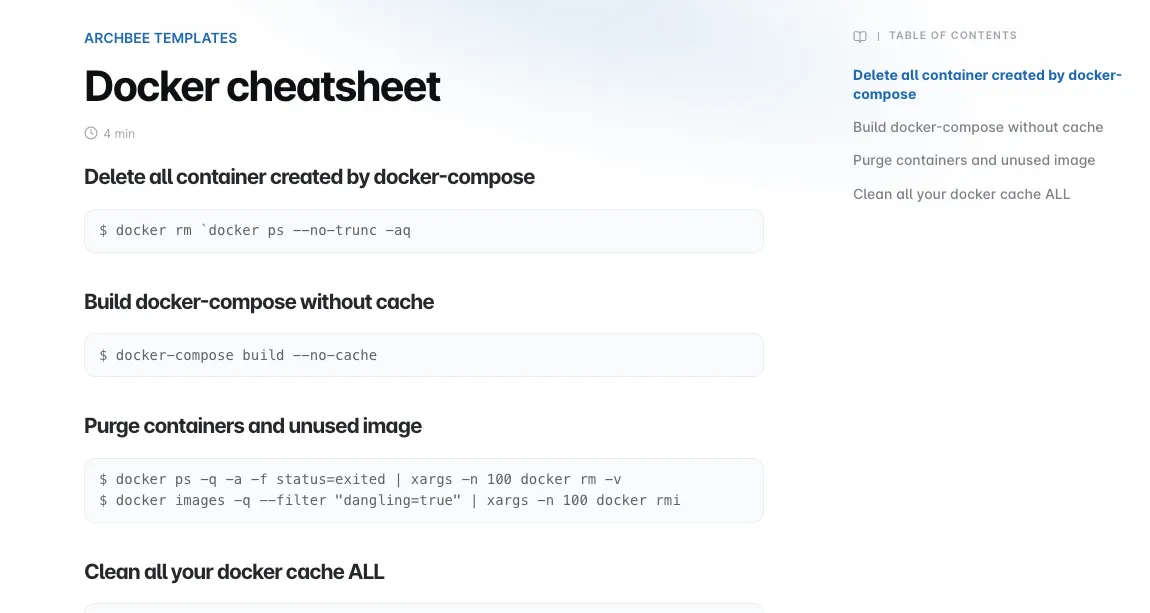
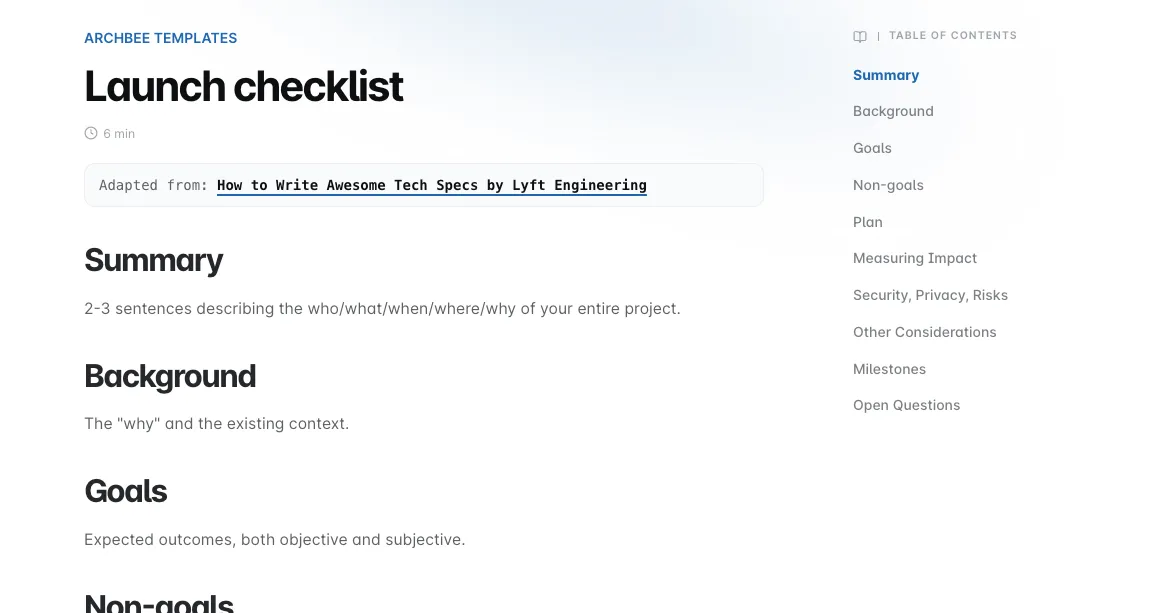
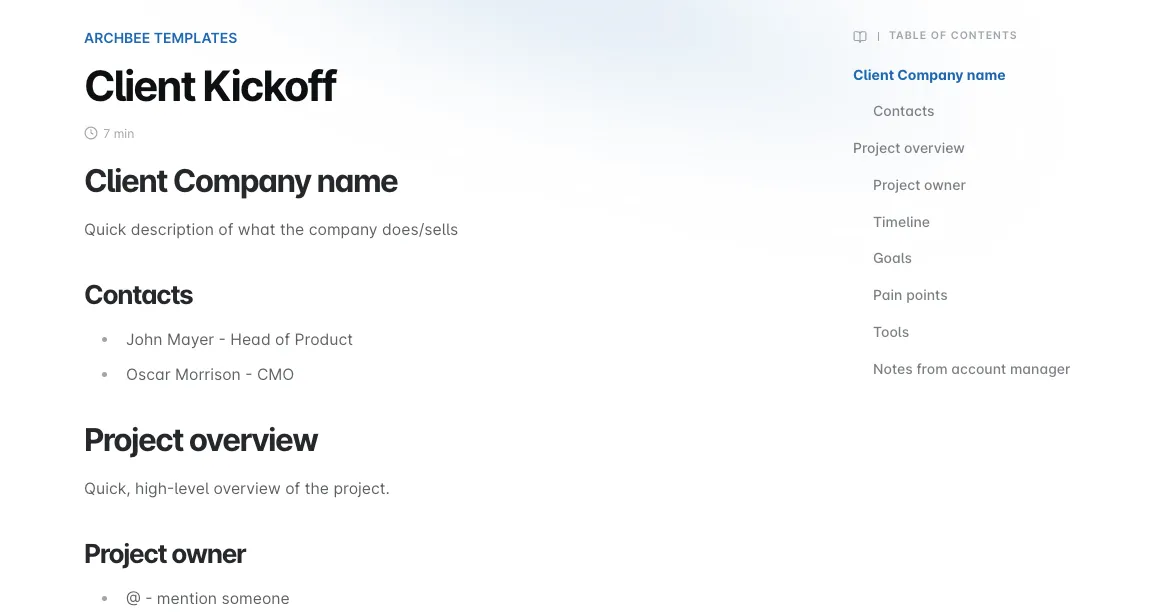
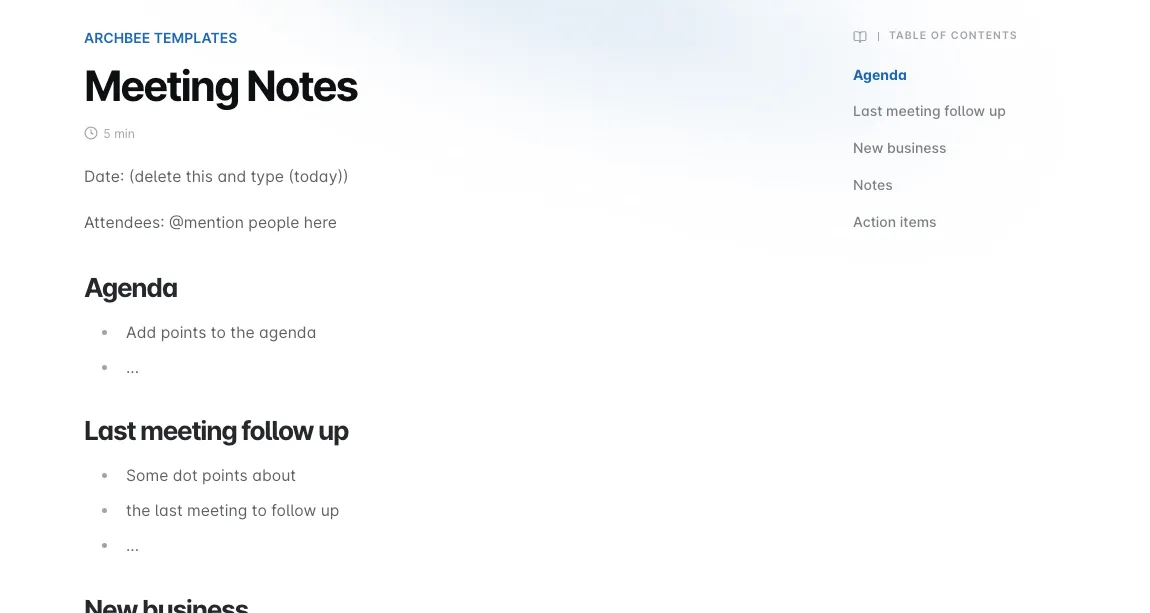
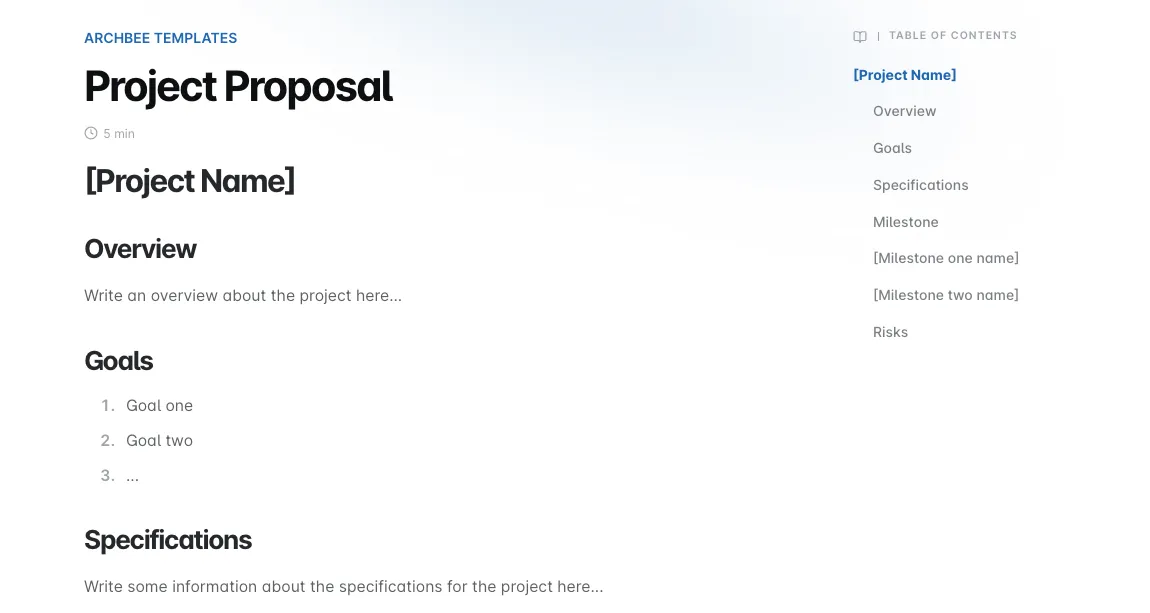
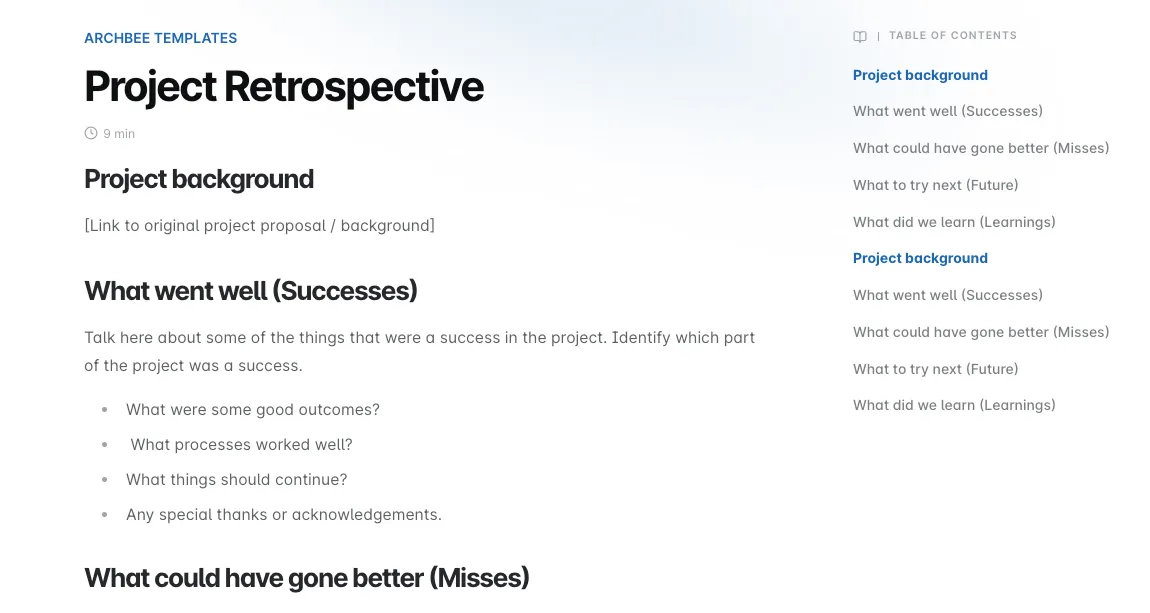
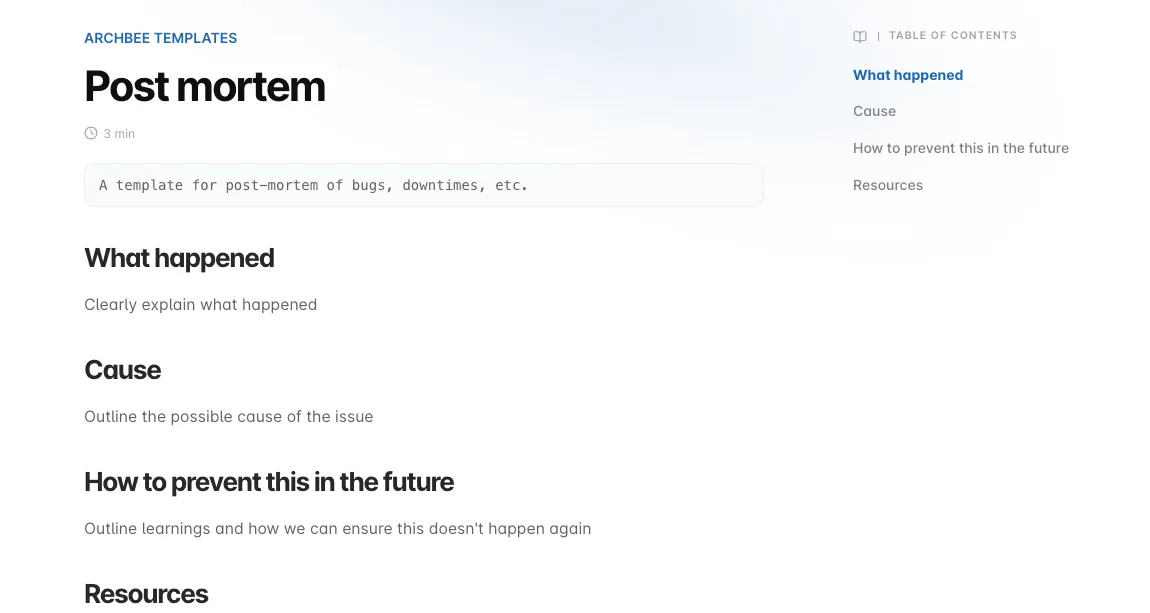
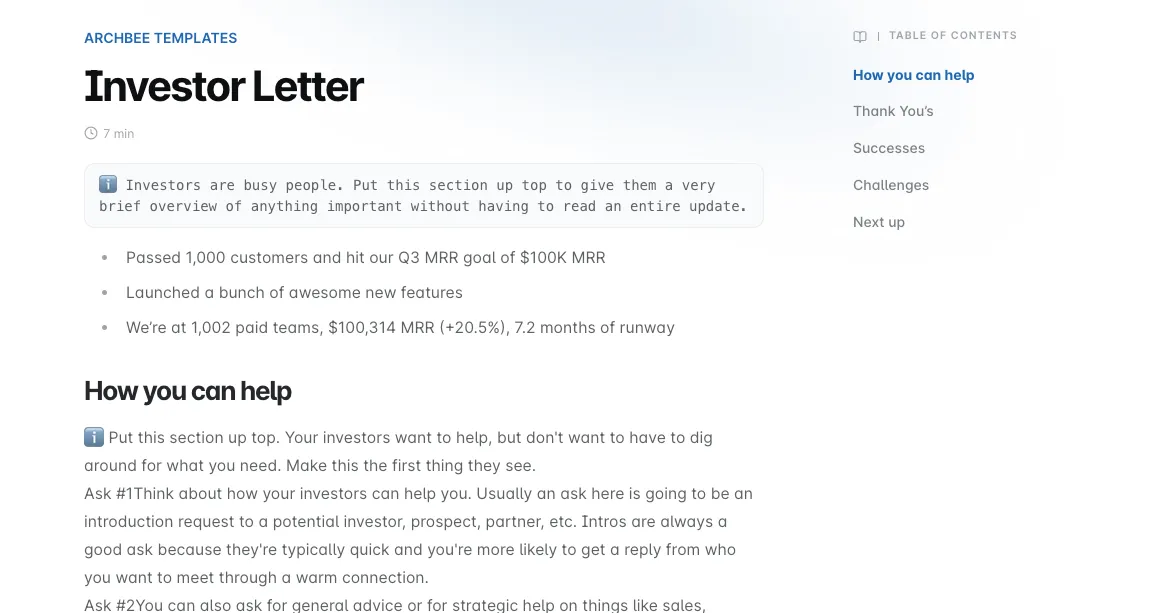
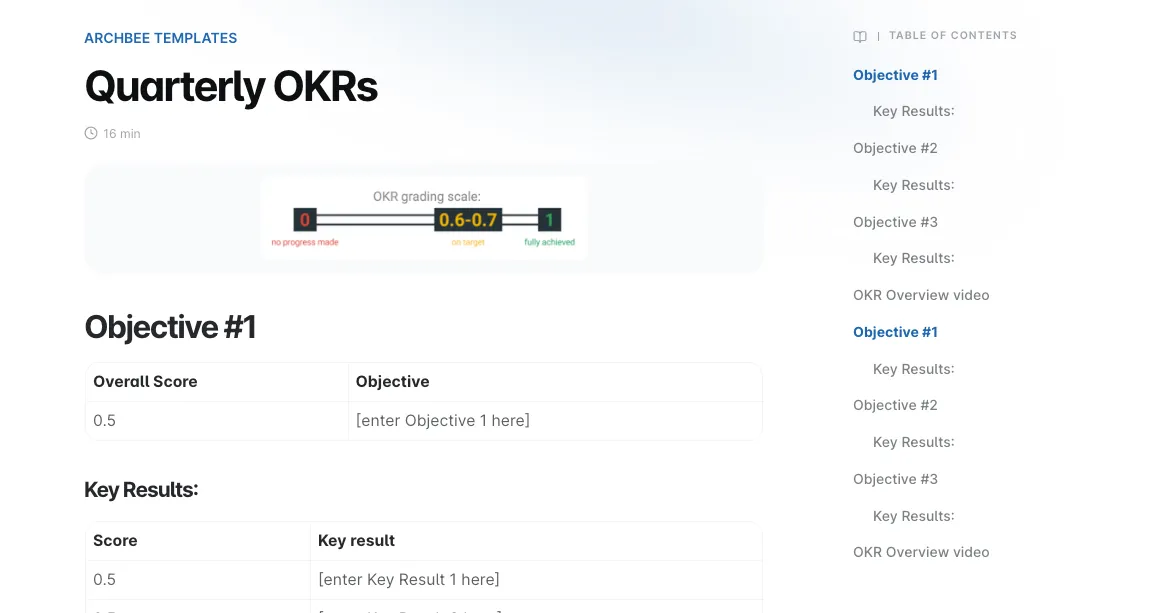
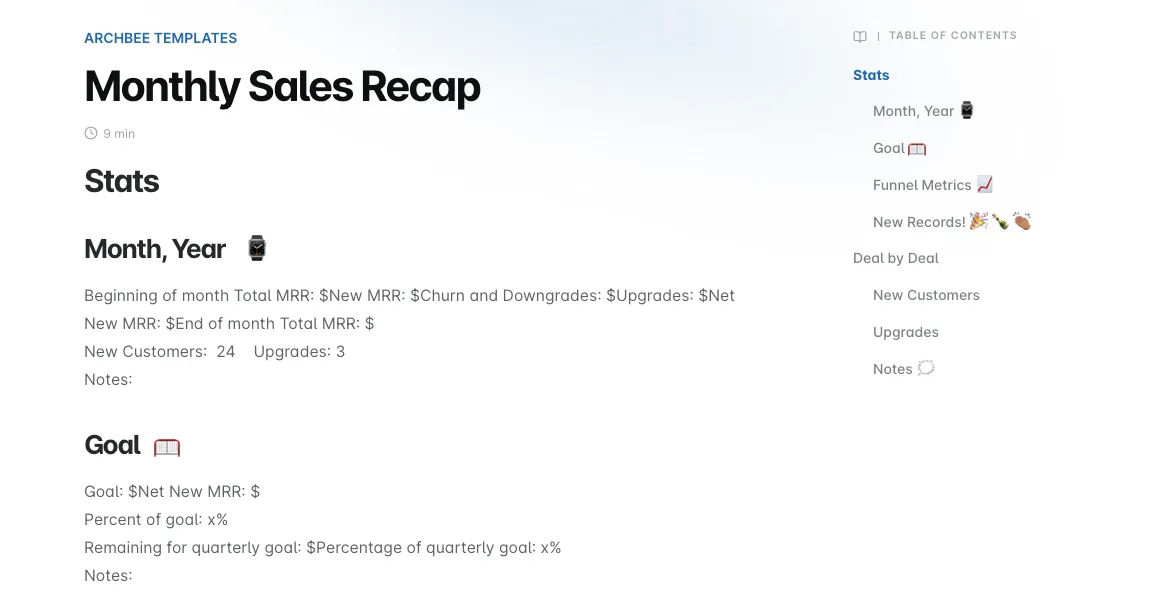
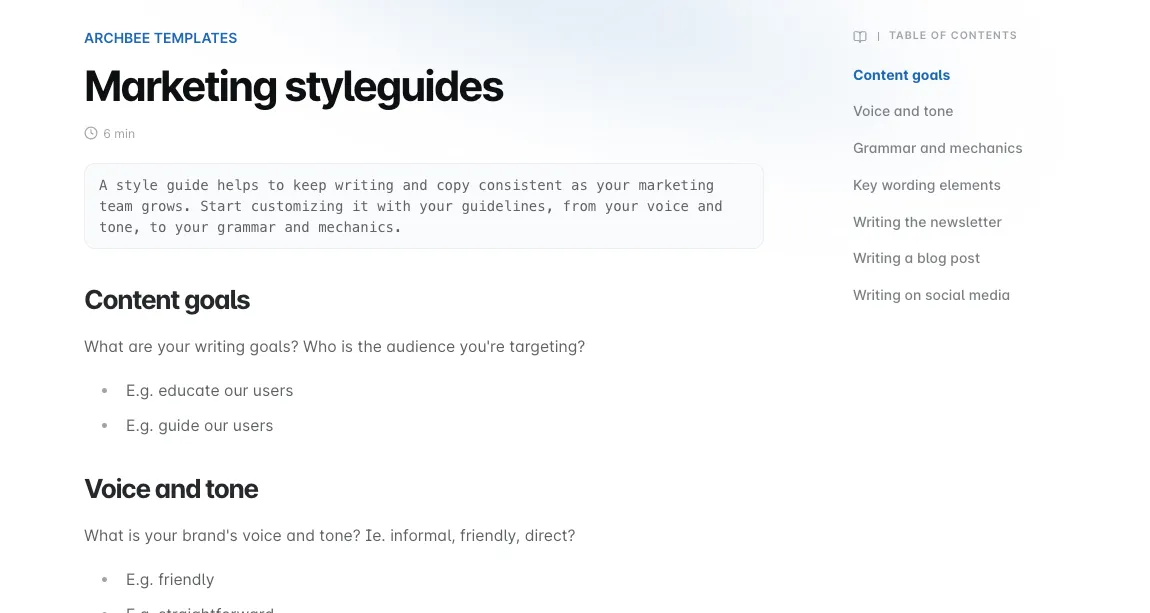
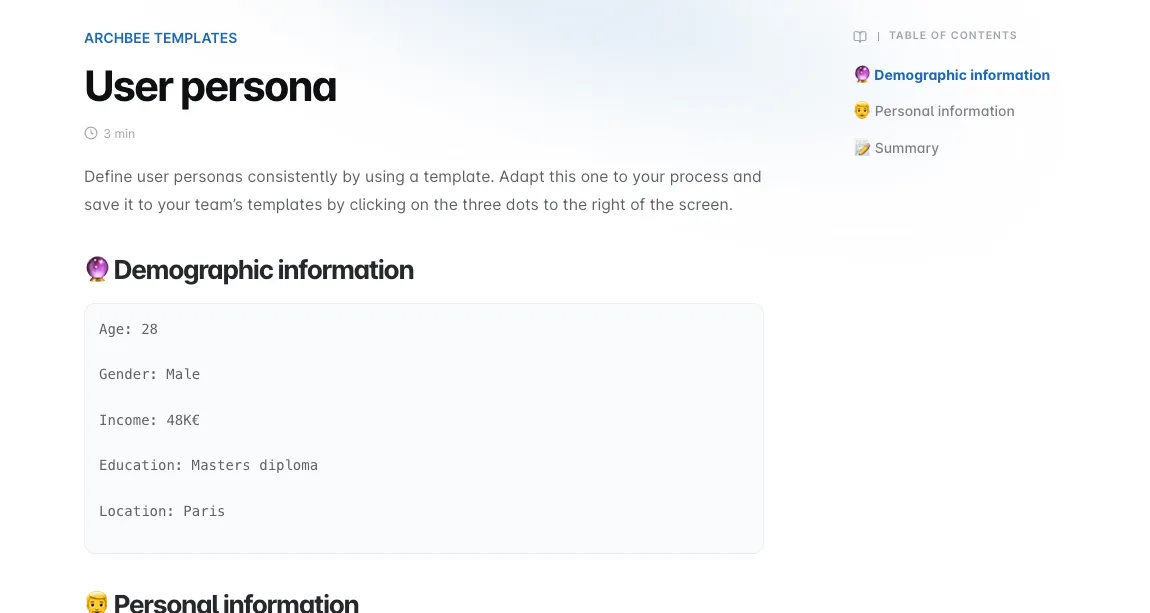
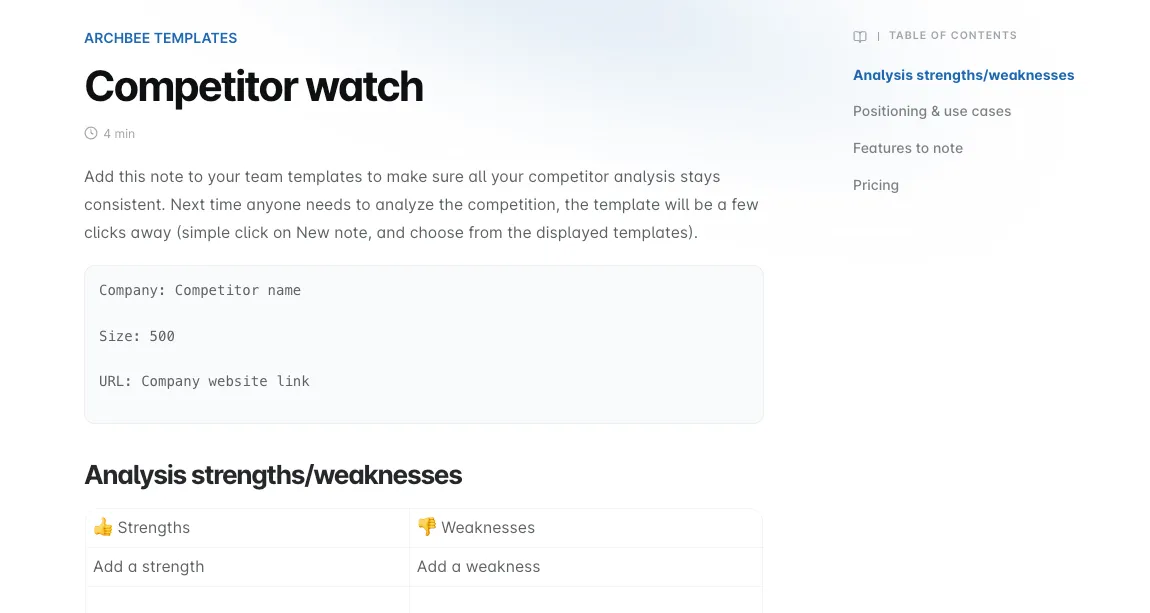
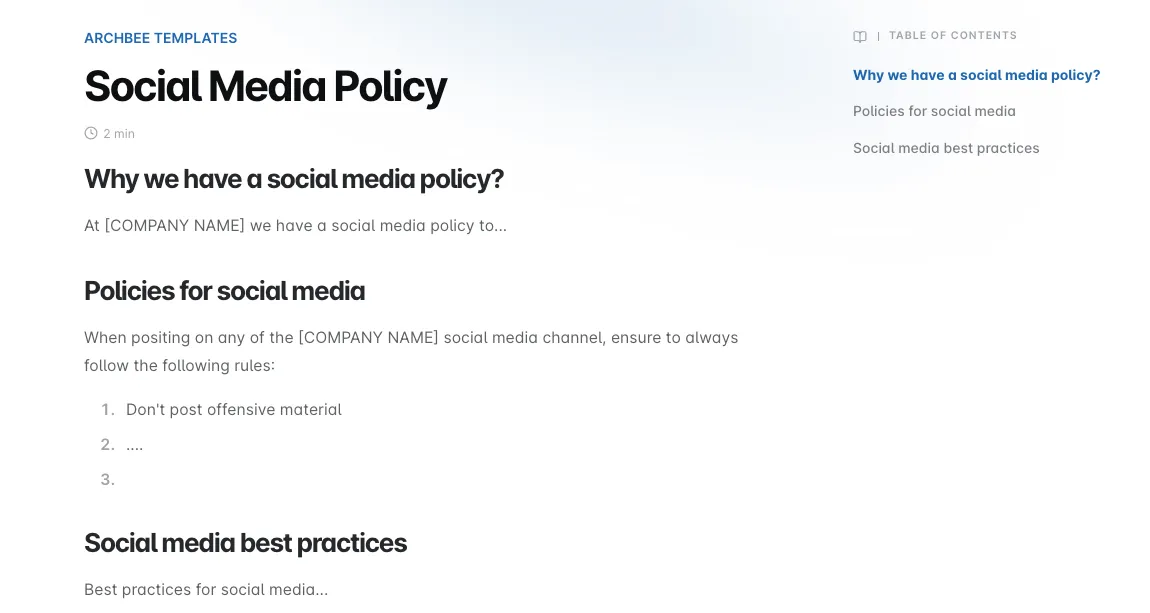
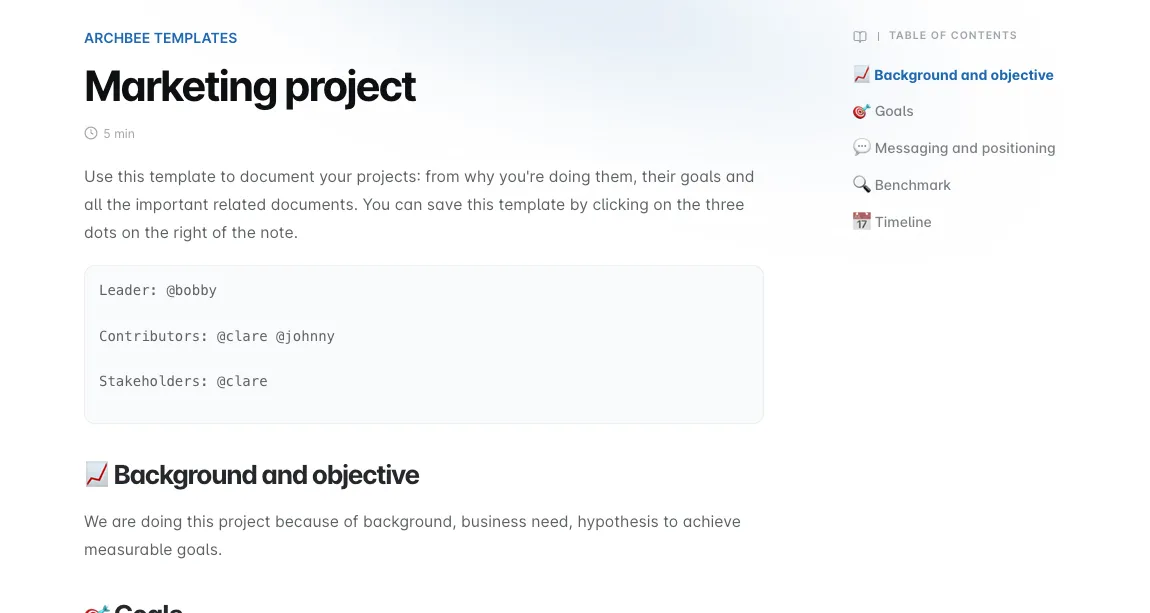
With Archbee, you get a few out-of-the-box templates for Engineering, Marketing, Product, Sales, or Executive.
How to use it?
Templates and your custom templates will show up whenever you add a new document.
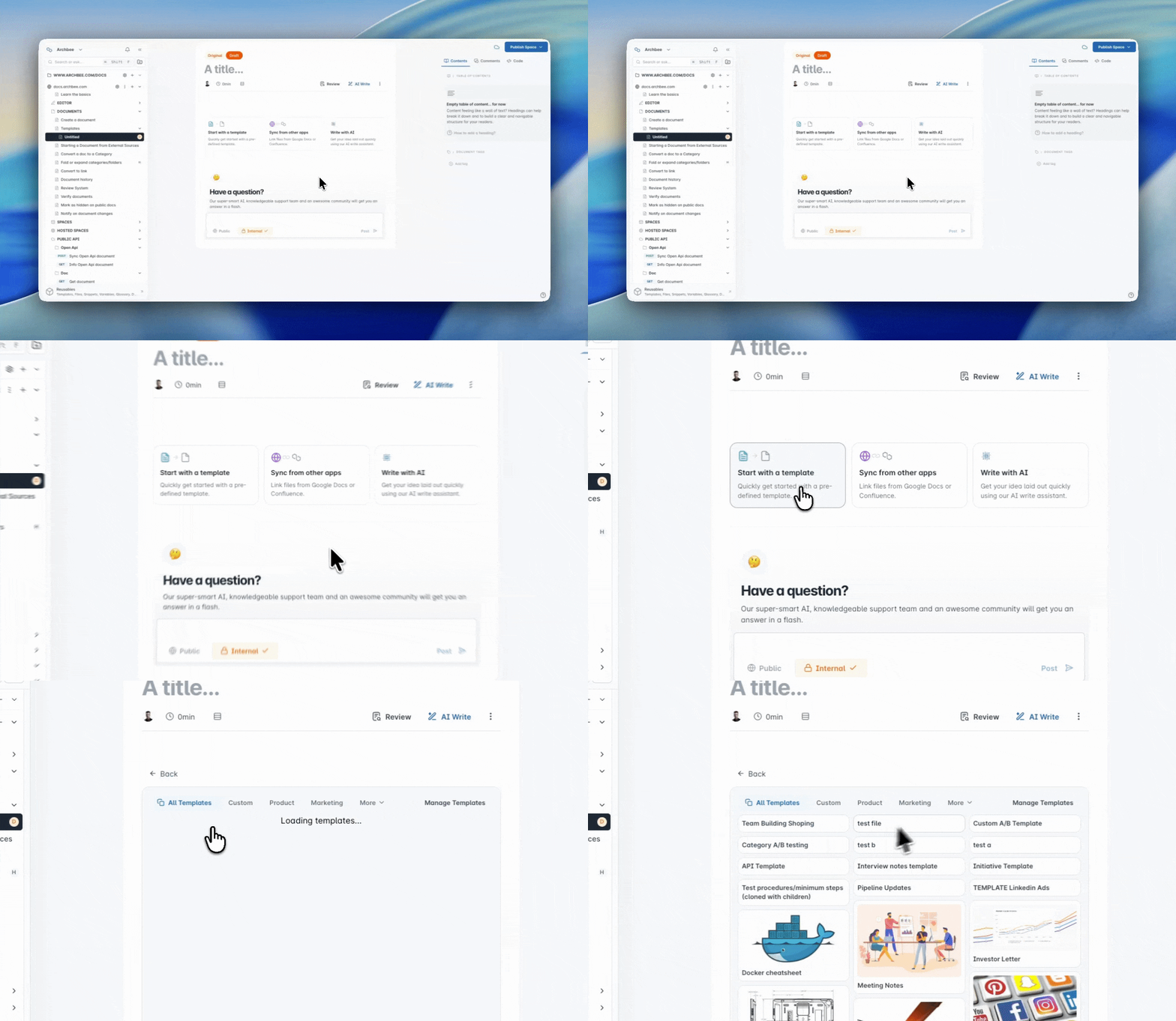
When you click to use a template, you can preview its content and decide whether you want to use it.
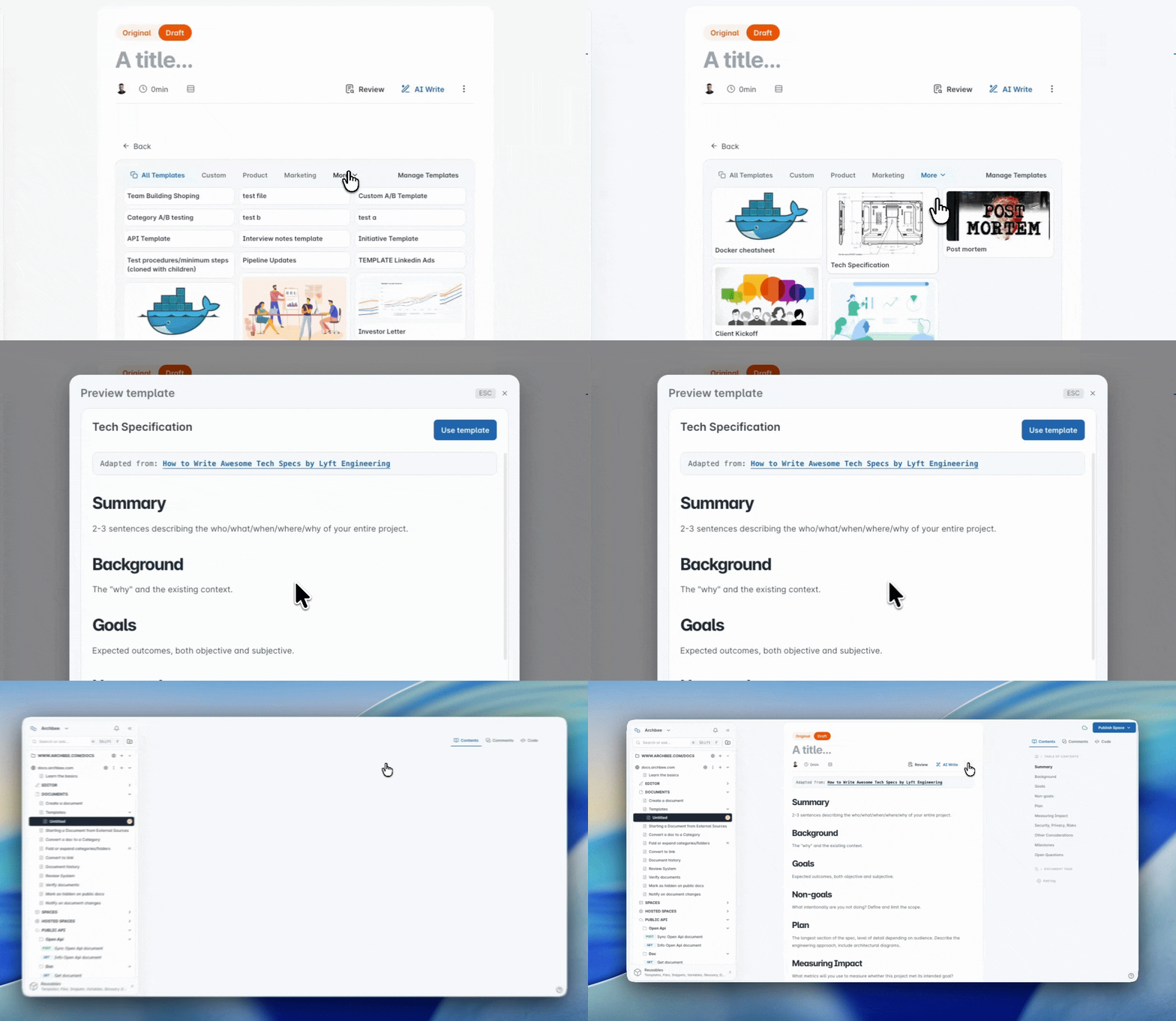
Manage Templates
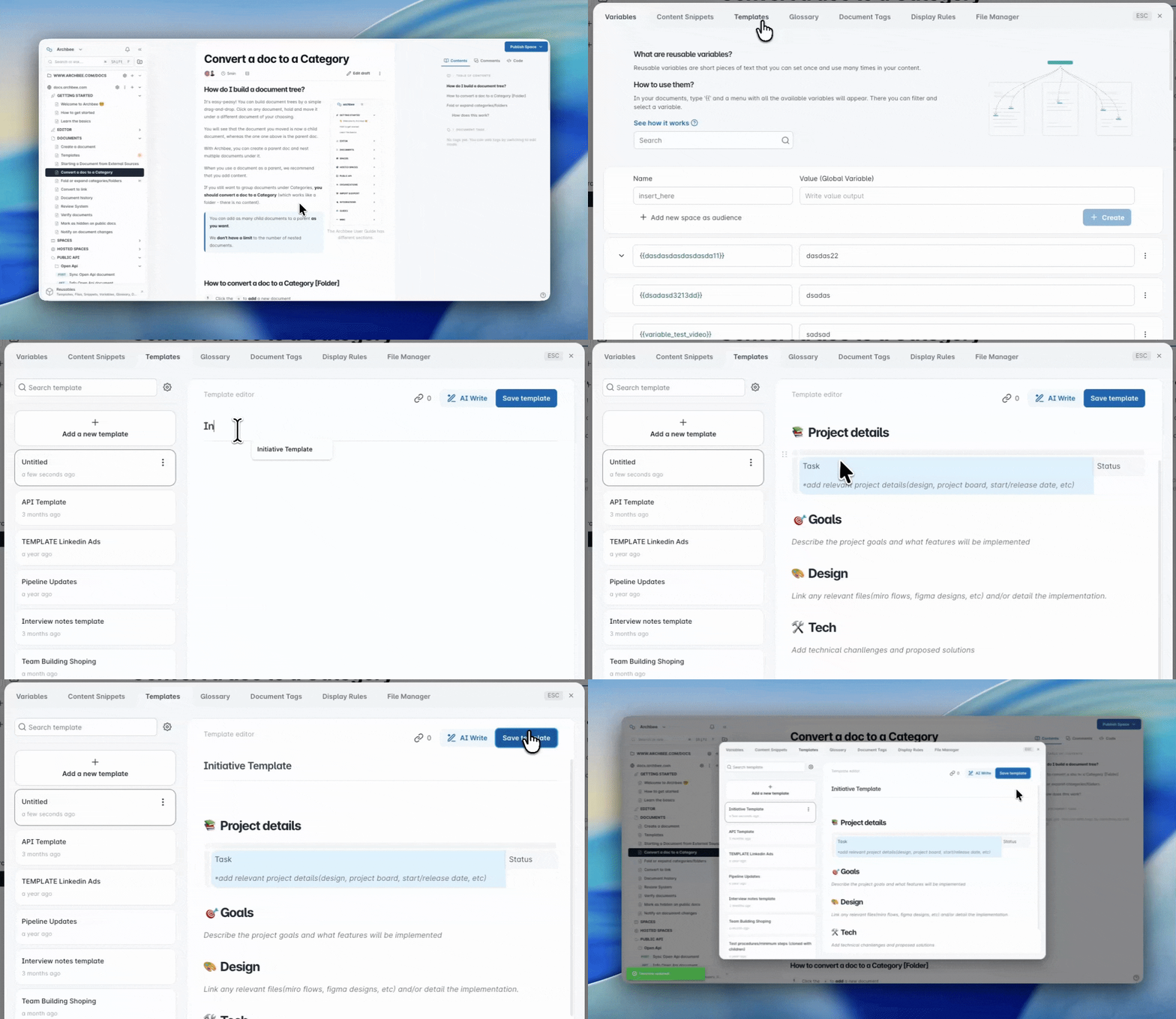
Additionally, you can create your own templates for your team.
To do so:
Go to Reusables.
Select Templates tab.
From here, you can delete older templates, to manage who have acces to them or to see where are them used.
Hit the Add a new template button.
Okay, now it's time to just go ahead and write your stuff!
You can also use some other features here, like:
- All Editor Blockseditor blocks available in main editor
🧠 Remember
Make sure to save the template once you're done with your writing!
Available Templates
Here's a full list of system templates: