外部链接
2 分
外部链接是一种将您当前空间与不同外部资源(如首页、Sign Up 页面等)连接起来的方式。
如果在当前空间中设置了任何外部链接,它们将显示在右上角。
如何设置 External Links
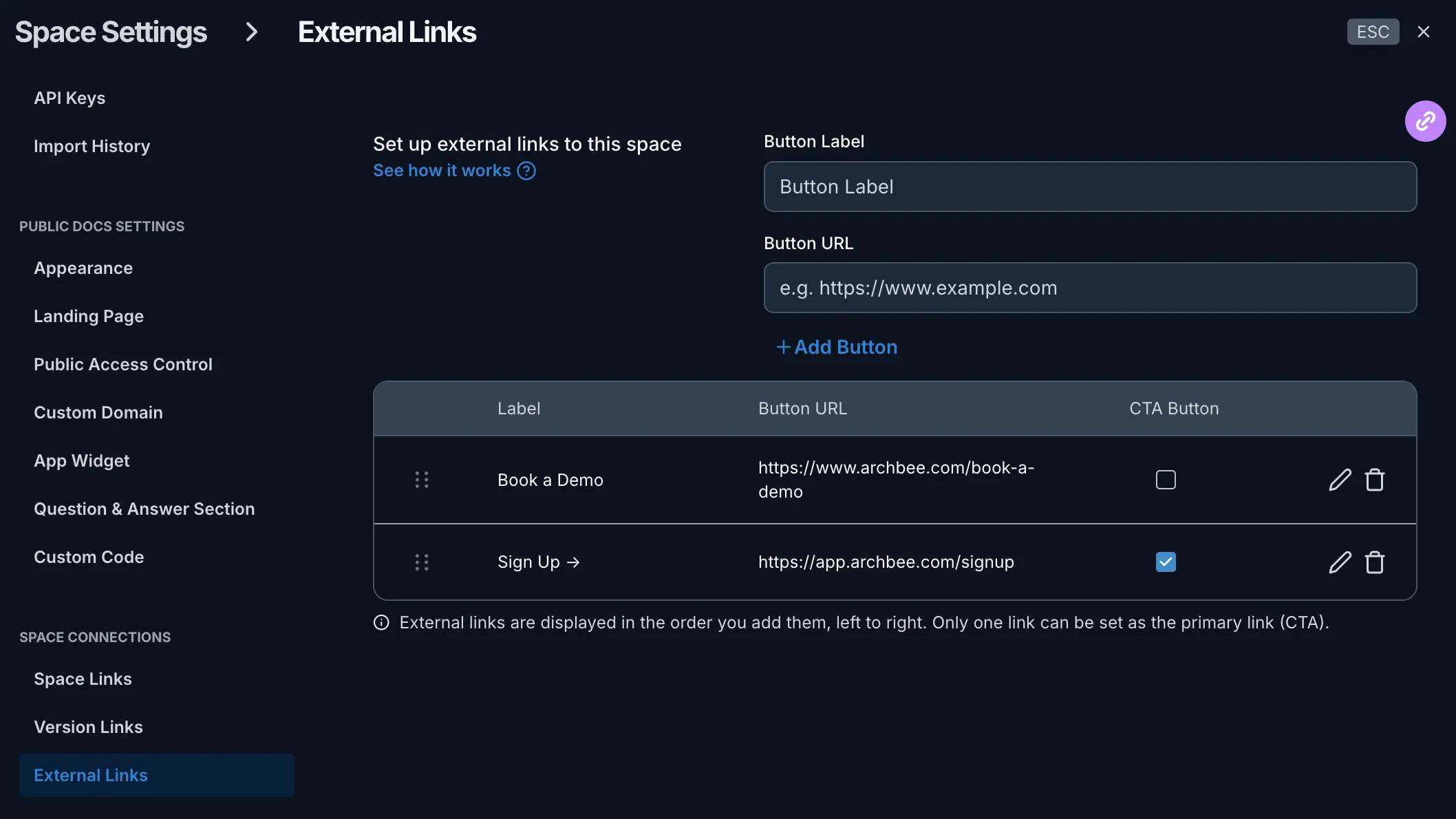
点击齿轮图标 ⚙️ 打开设置,然后前往 外部链接 选项卡,位于 太空连接 部分下。
开始构建 External Links:
- 添加按钮标签(例如 Sign Up、Home)
- 添加按钮 URL
- 点击蓝色的 + 添加按钮。
重复添加流程,直到您添加完所有所需的 External Links。
退出 Space Settings 窗口并发布空间,链接将同步生效。
发布后,您将能够在公共空间中看到更改。以下是读者看到的效果:
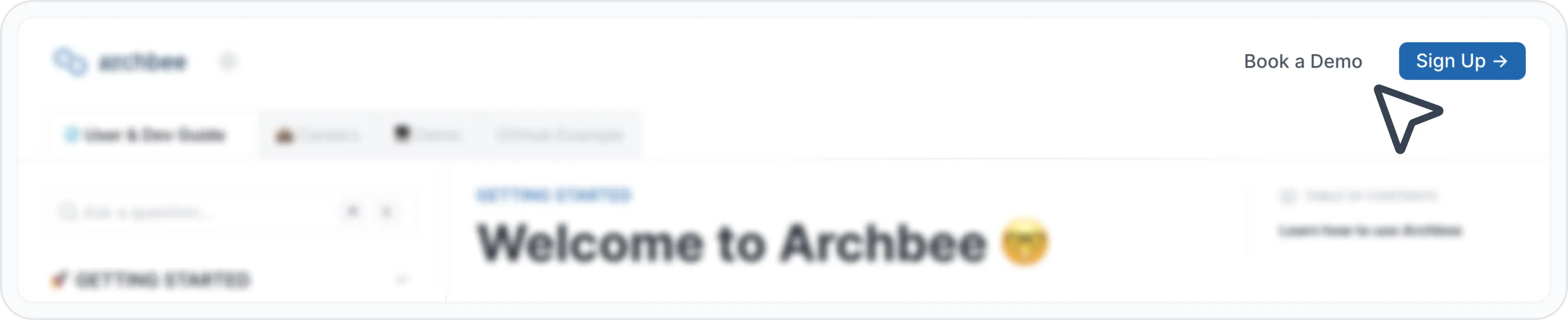
Stripey 模板中的 External Links 视图
Have a question?
Our super-smart AI, knowledgeable support team and an awesome community will get you an answer in a flash.
To ask a question or participate in discussions, you'll need to authenticate first.