GitHub
An alternative to our modern block-based editor with inline comments and markdown shortcuts is to write the content directly in GitHub, and then sync it with Archbee.
For folks that use git as a versioning system and write the content in Github, you can set it up when you add a new Space with the GitHub integration.
Integrate GitHub
In your Archbee account, in the top left corner, click on Organization settings > Configurations page.
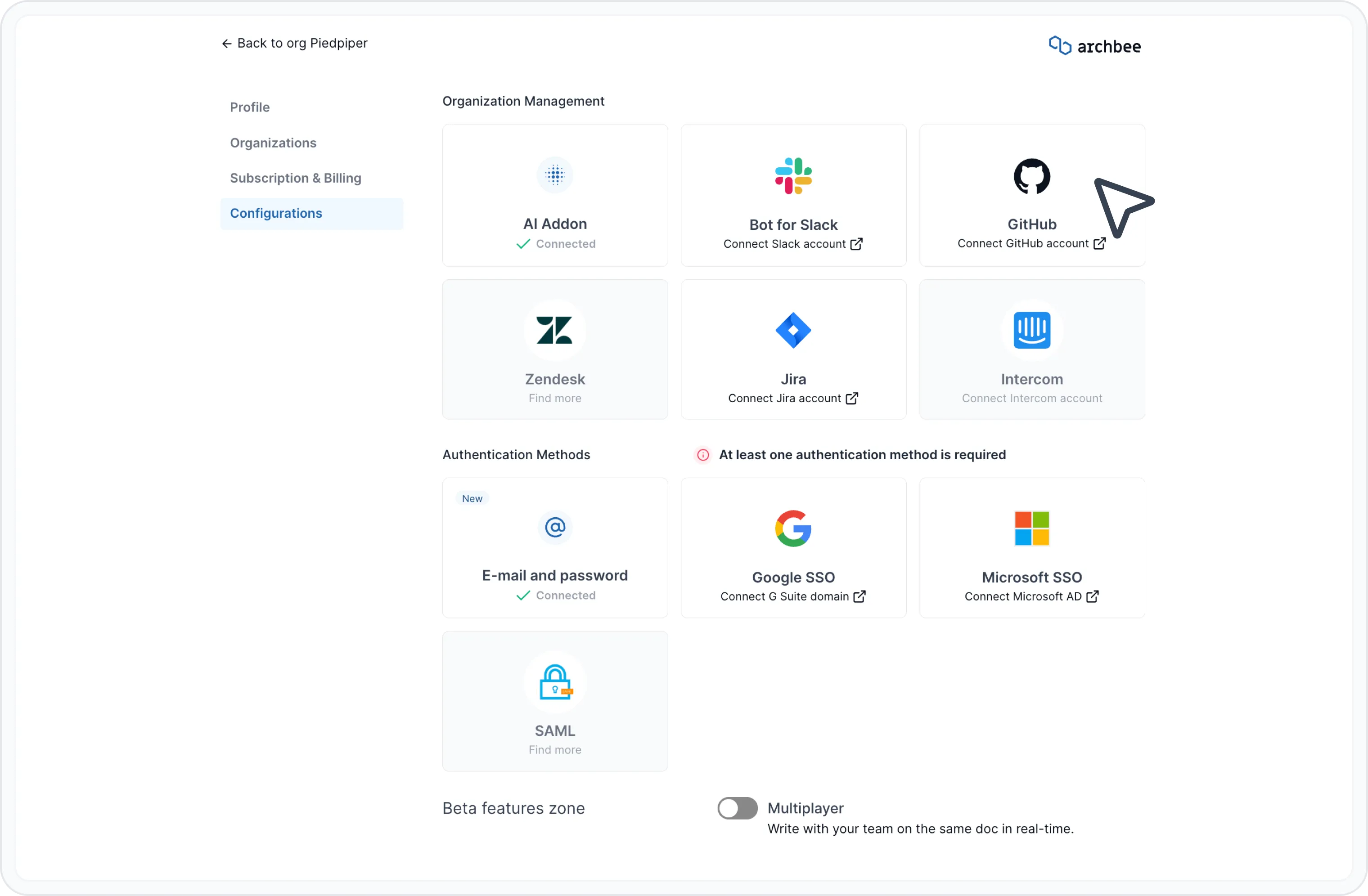
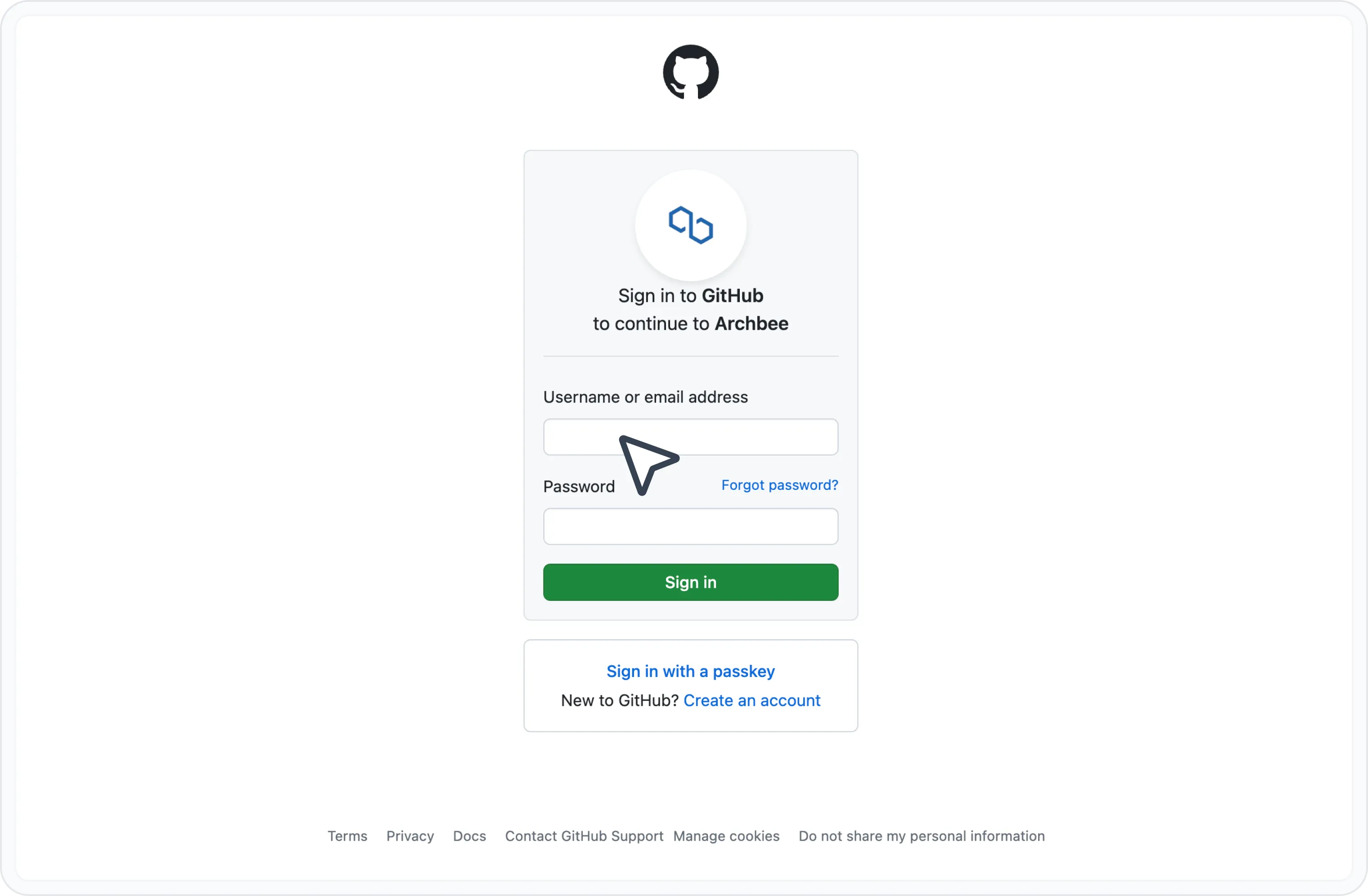
Click on the Connect GitHub button to open the login page and authorize Archbee.
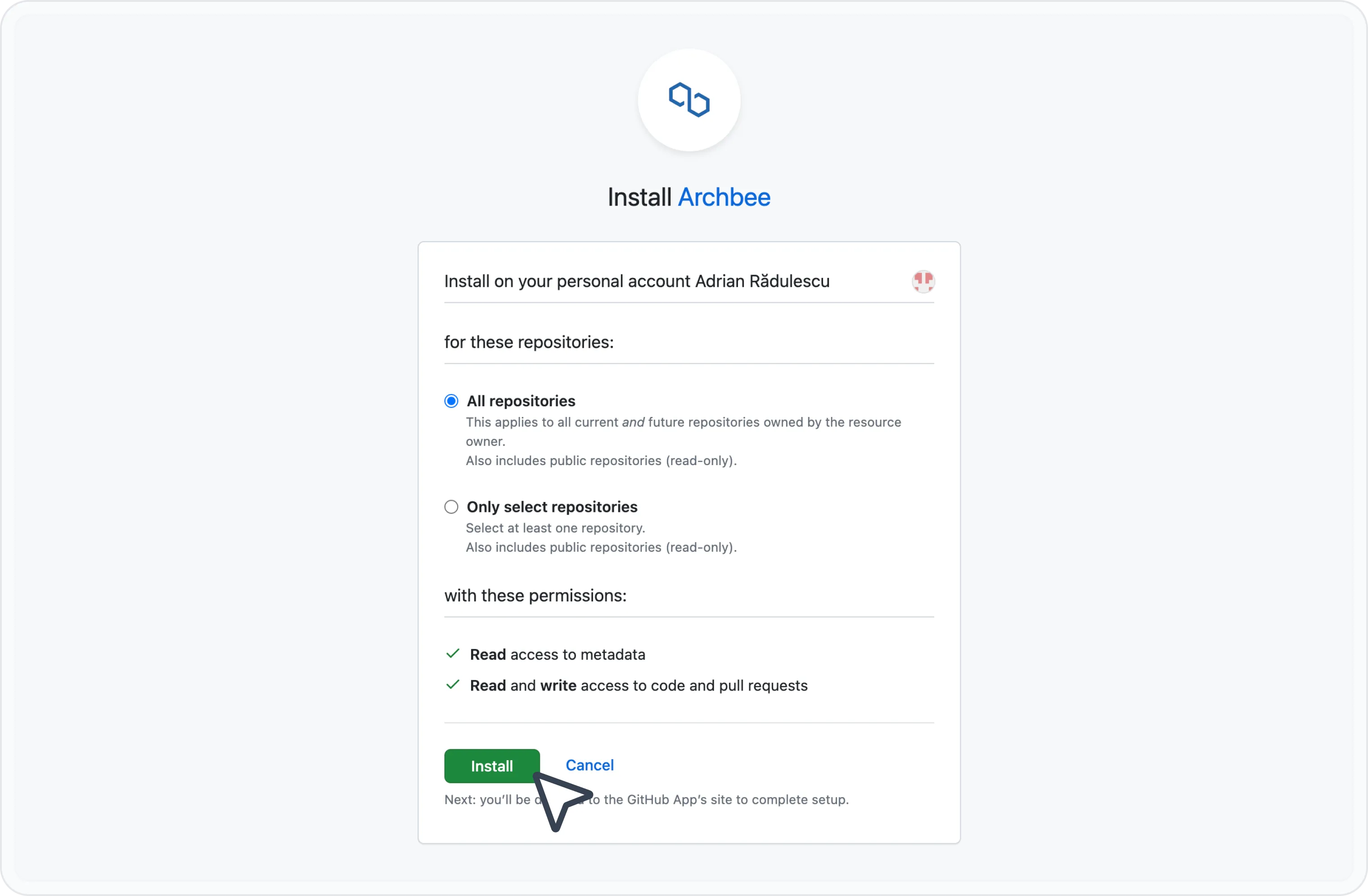
Choose what you want to sync: All repositories or Only select repositories. After you've made your selection, click Install.
After the setup is done, you will be redirected to the Configurations page and you should see the ✅ Connected status.

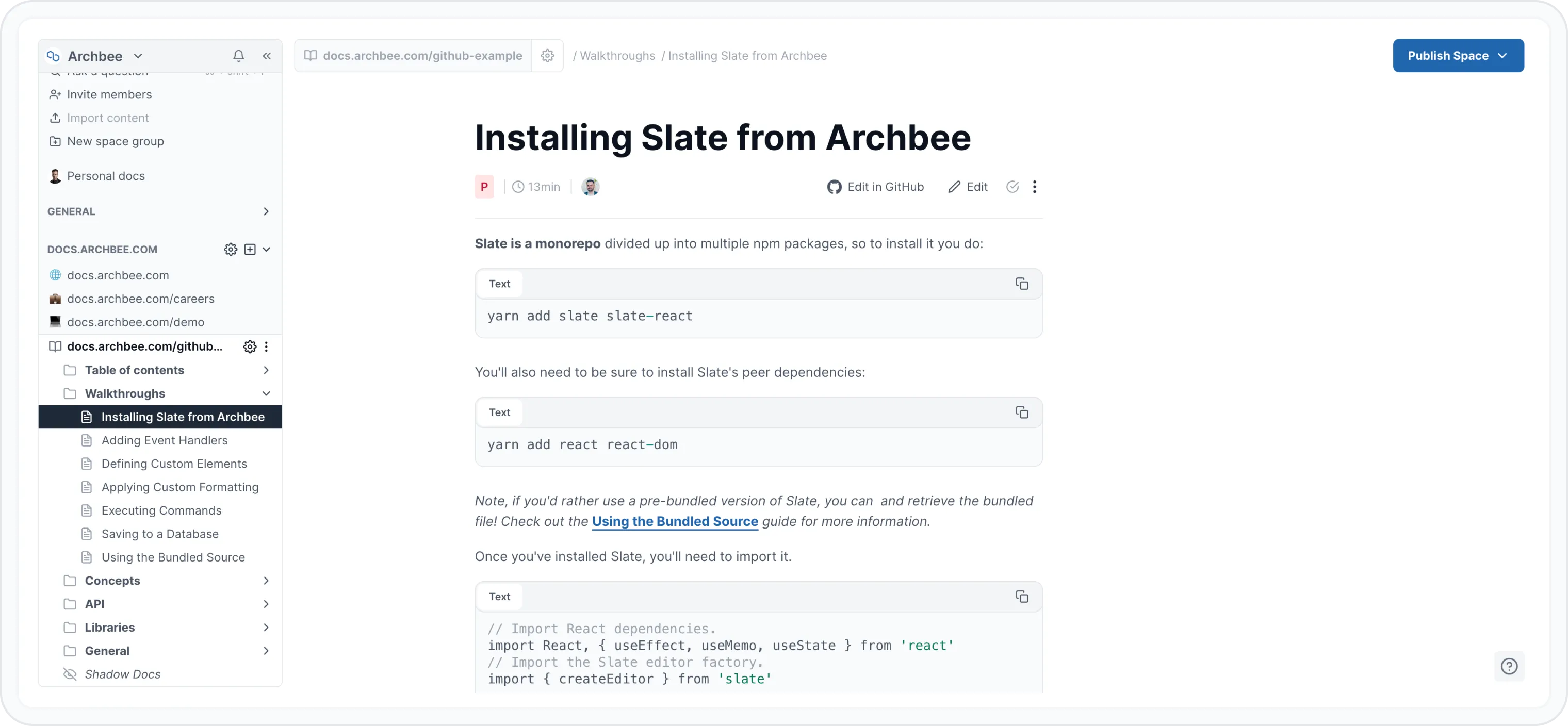
Now when you create a new Space, you can choose between your repositories from the Write in GitHub option.

After you click Add Space, the content from the selected GitHub repository should be synced.
Next steps
- See how to Set up the repository.
- Auto-sync your Custom Code from GitHub to Space Settings/Custom Code.
- Add code snippets using the Code editor: multi-language block in your GitHub documentation and sync them with Archbee.
- Check out the Markdown syntax for Archbee block in Use Markdown shortcuts.