Intercom
2 分
Archbee 提供 Intercom 集成。通过 Intercom 集成,您能够直接从 Intercom 小组件中搜索由 Archbee 发布的您的公共文档。
简而言之,任何与客户互动的 Intercom 用户都能够快速搜索 Archbee 公共文档门户/知识库,并仅需几次点击即可向您的客户发送相关文章。
工作原理
首先,您需要将 Intercom 与 Archbee 集成(请参阅如下如何操作)
成功集成和配置后,Archbee 应用将允许您:
- 搜索您已发布的 Archbee 文档门户/知识库的内容,并在 Intercom 聊天中直接向您的客户发送文章
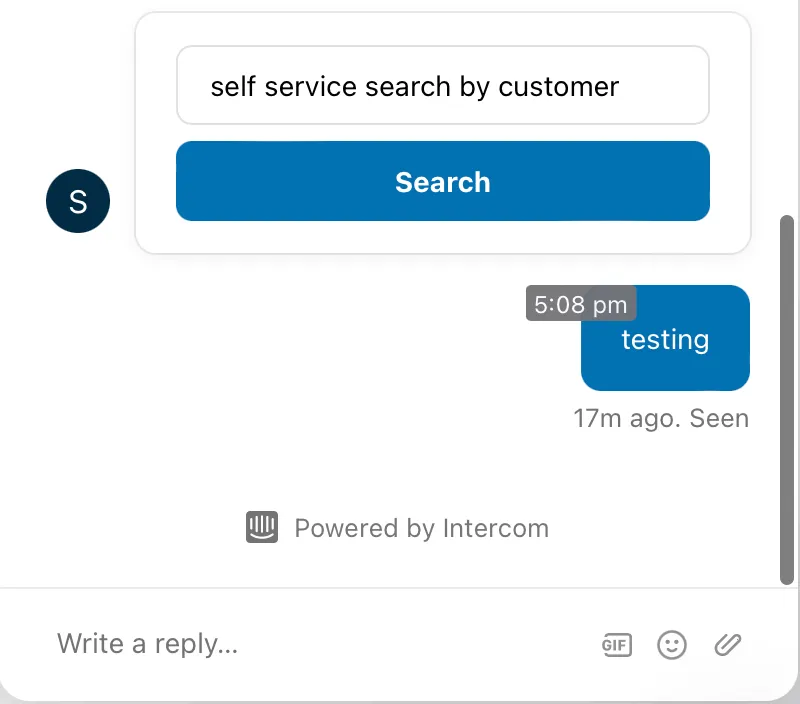
- 向您的客户发送一个搜索框,使其能够在 Intercom 聊天中直接搜索您 Archbee 文档门户/知识库中感兴趣的主题
如何配置 Intercom 集成
前往 Integrations 页面并点击 Connect Intercom 按钮

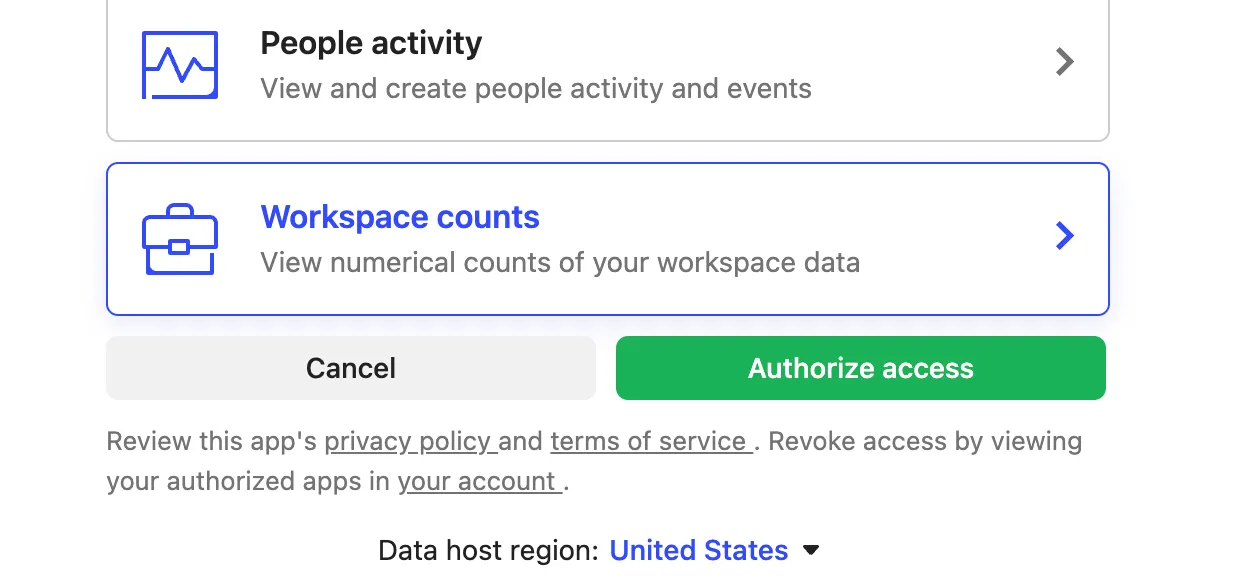

前往 Intercom App Store 并搜索 Archbee App

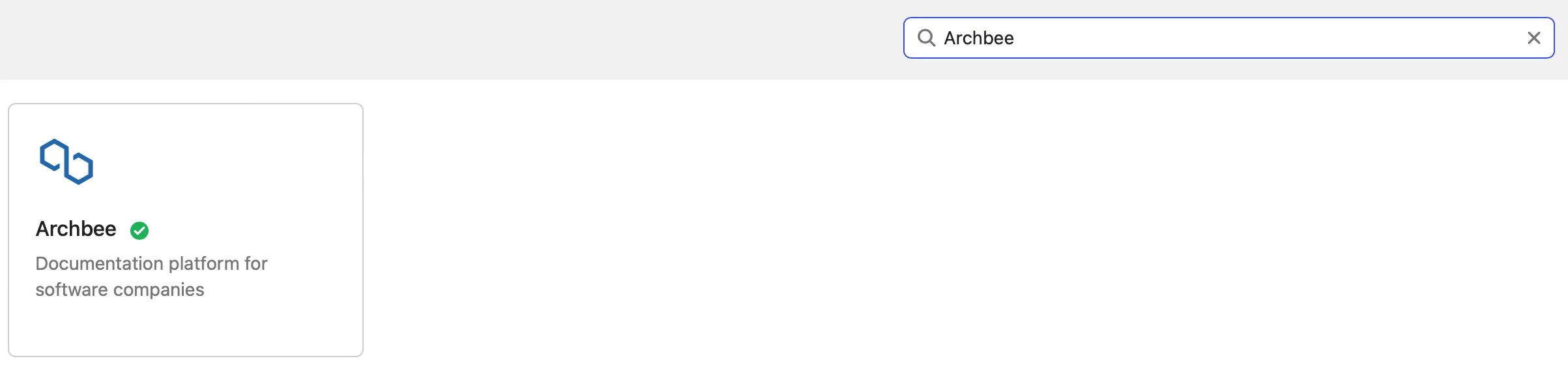
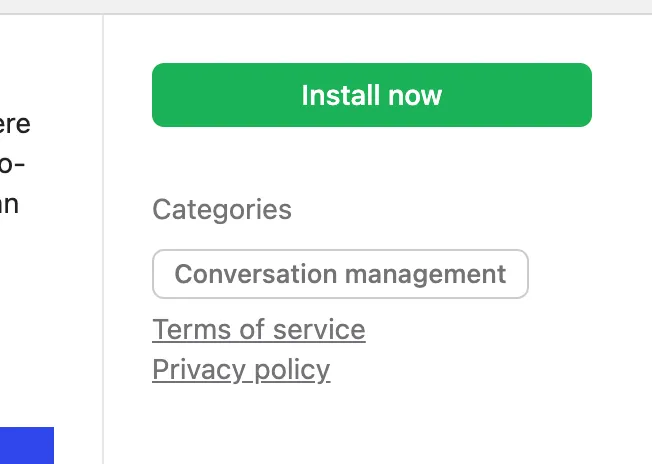
检查 Archbee App 是否已经安装(在步骤 1 和步骤 2 后应默认安装):
- 点击 Archbee app
- 会弹出一个包含 Archbee app 详情的窗口 —— 请查看右下角的 Install/Uninstall 按钮
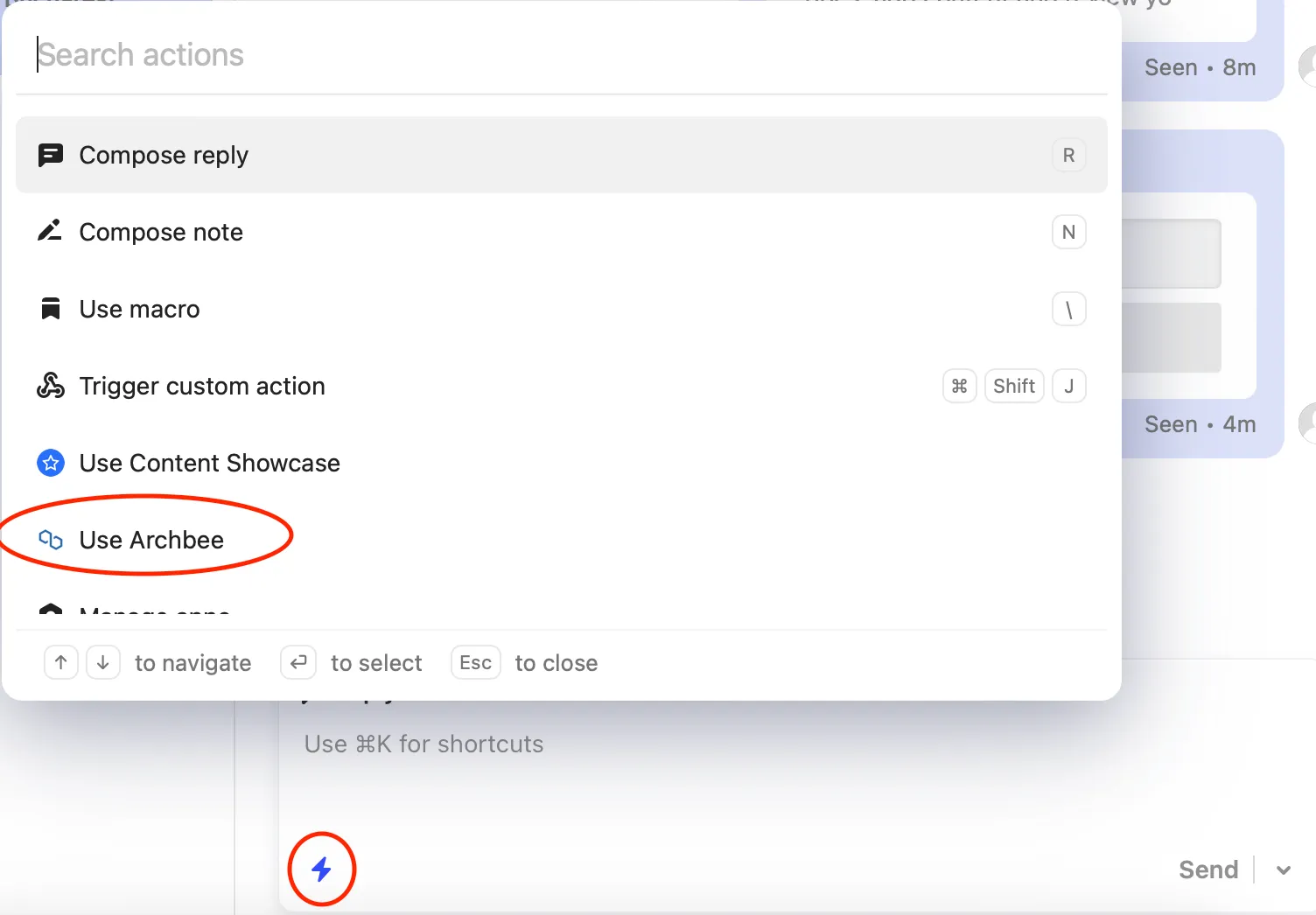
现在您已经安装了 Archbee Search 应用,有两种方式可以从 Intercom 收件箱 视图中访问它
从聊天栏打开 Archbee
1. 打开 快捷方式 菜单并从列表中选择 使用 Archbee
2. 通过关键字搜索,并点击 添加到聊天 按钮将结果分享给您的客户
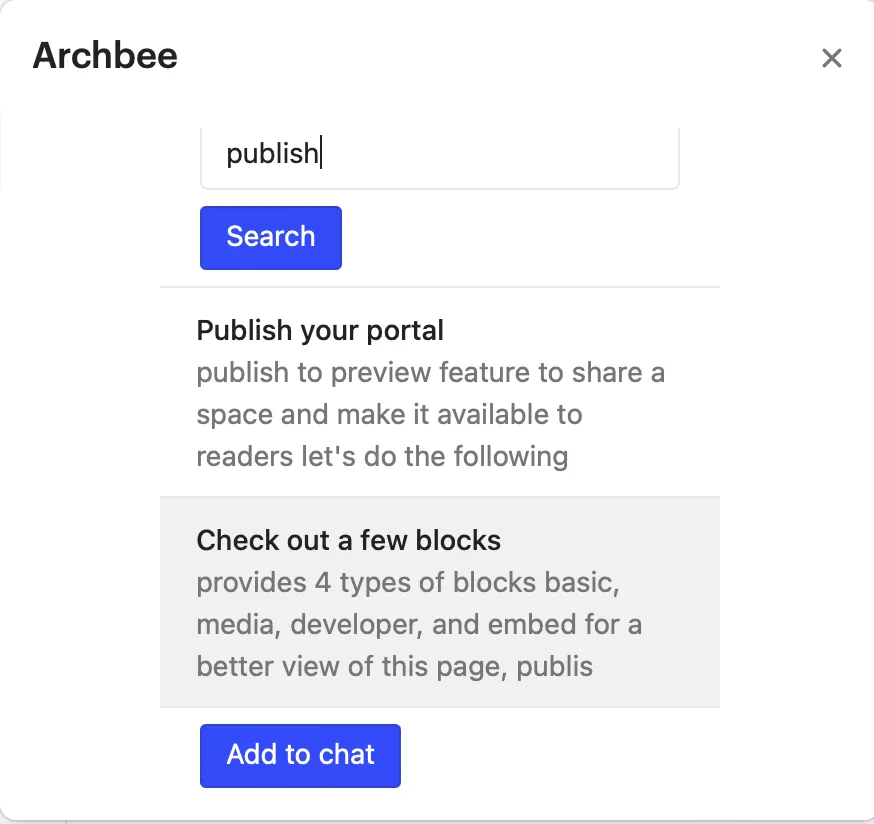
3. 点击任意结果将在新标签页中打开它,并在发送前进行验证
从右侧面板访问 Archbee
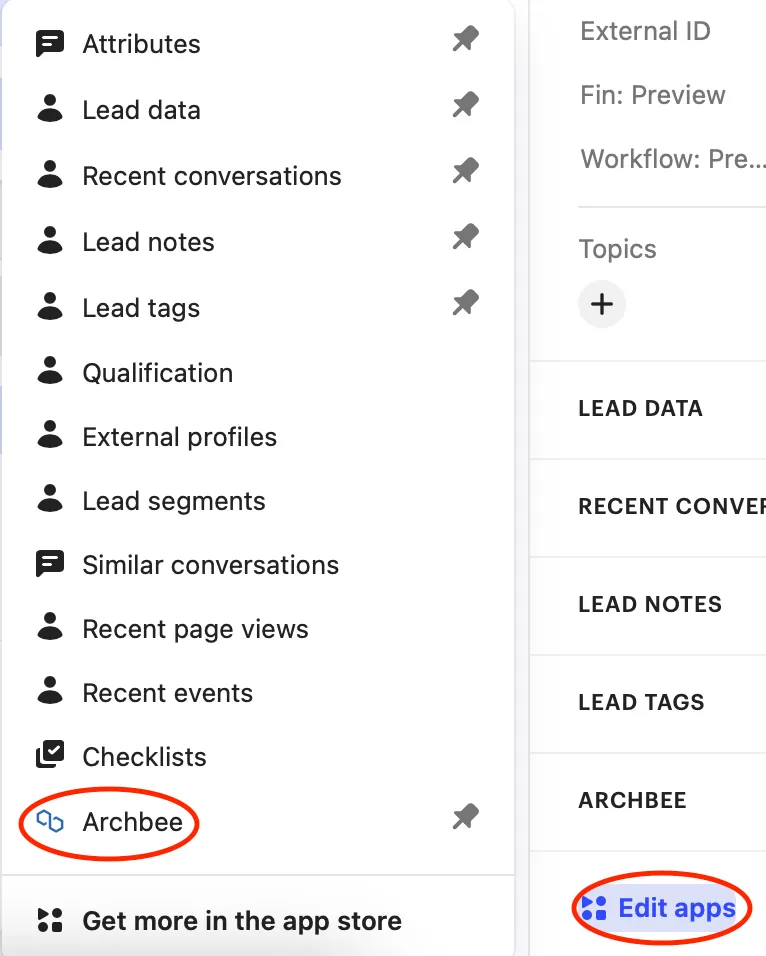
1. 打开右下角的 编辑应用并将 PIN码Archbee 固定到您的栏中
2. 打开新添加的 Archbee App,输入您的关键字并点击 Search 按钮
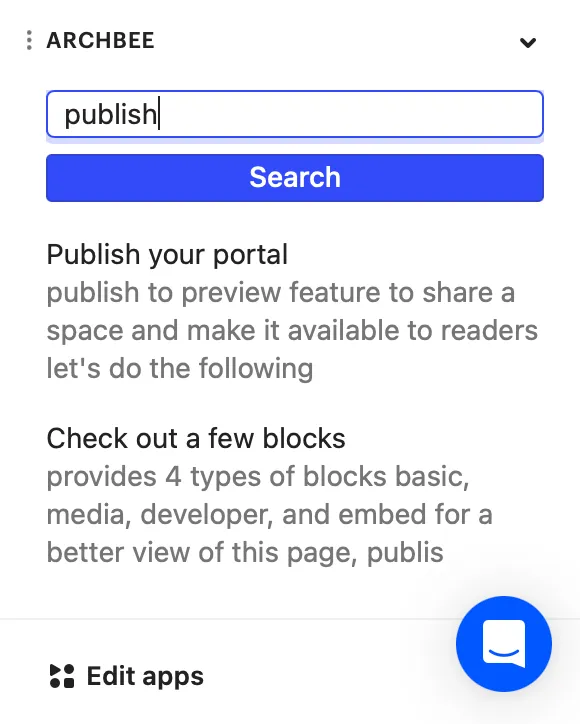
3. 点击任意结果将在新标签页中打开它,并在发送前进行验证
以下是您发送的文章在客户端的展示效果
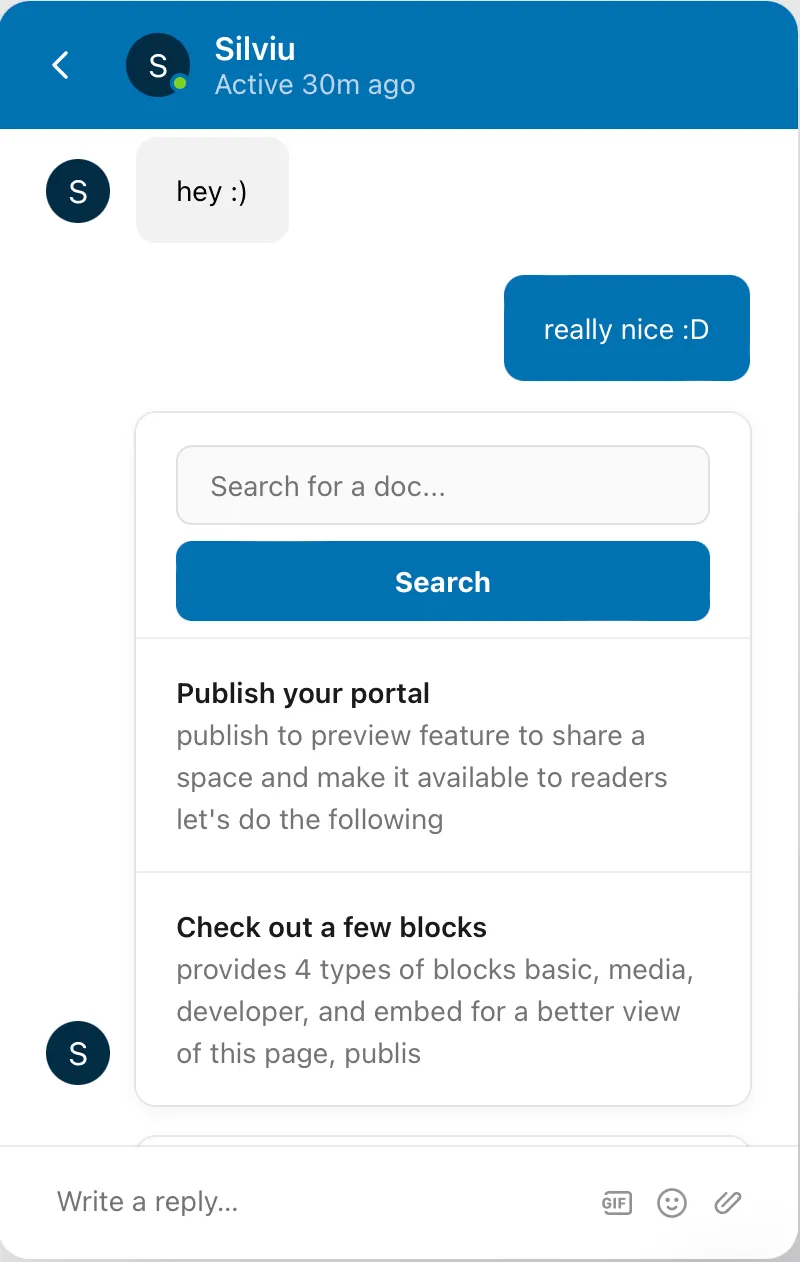
使用 Archbee Search App,您还可以发送空白搜索框,用户可以直接在 Intercom 应用中自行搜索
Have a question?
Our super-smart AI, knowledgeable support team and an awesome community will get you an answer in a flash.
To ask a question or participate in discussions, you'll need to authenticate first.